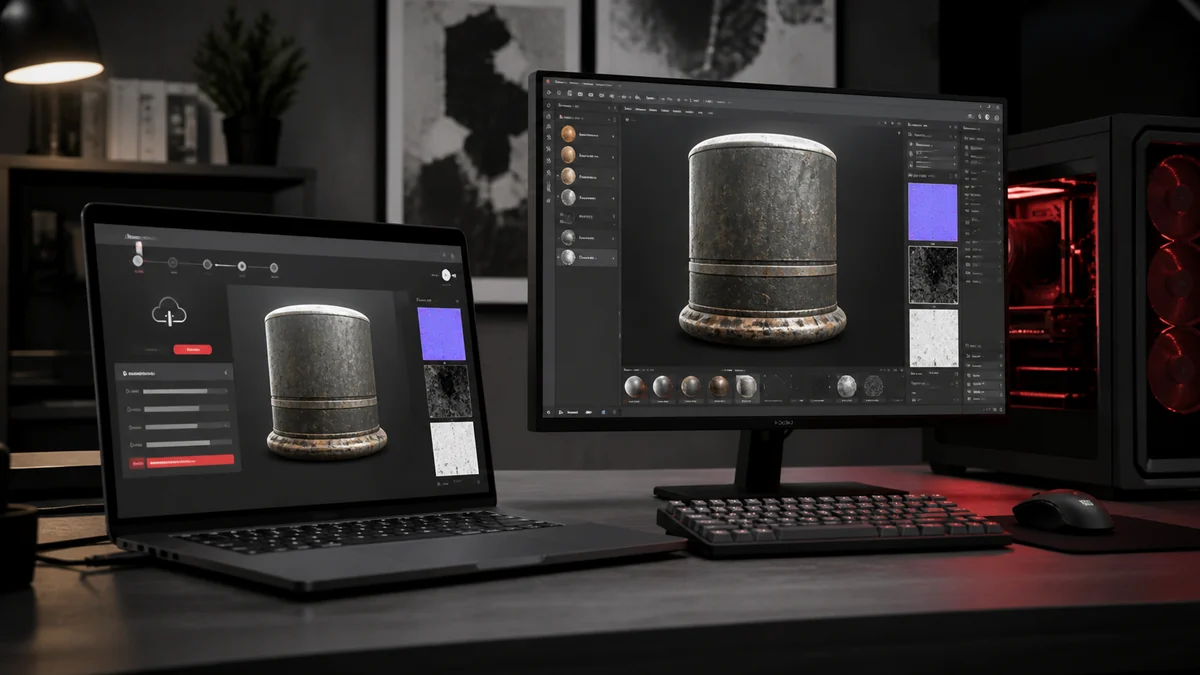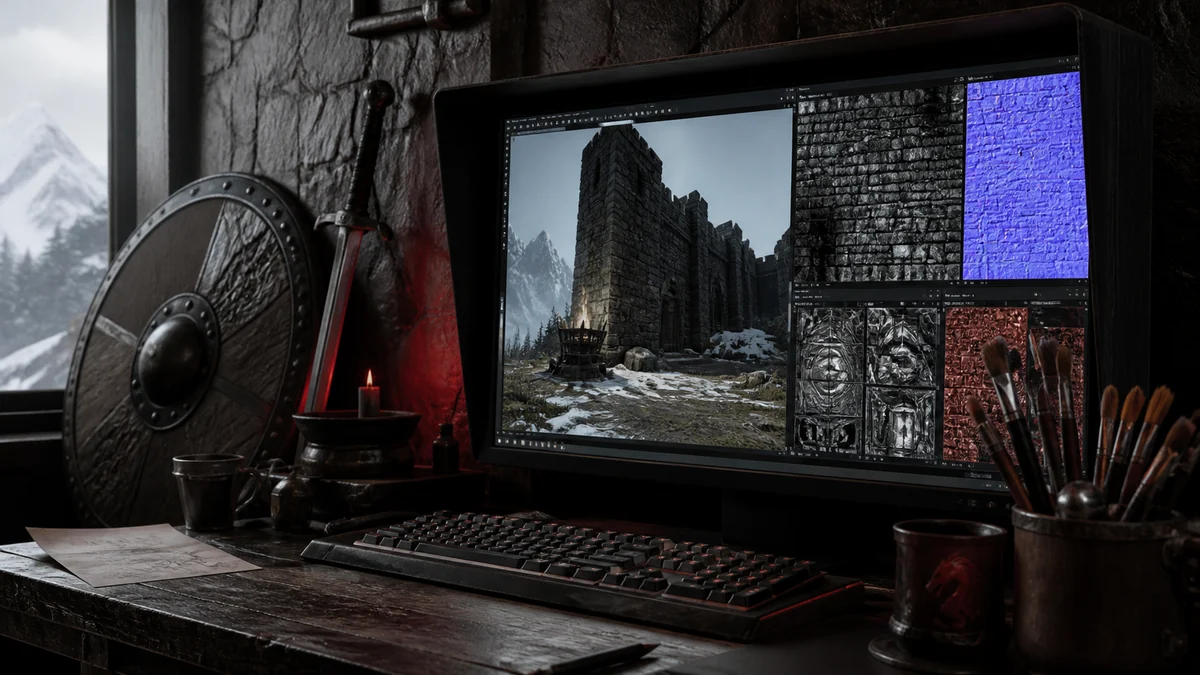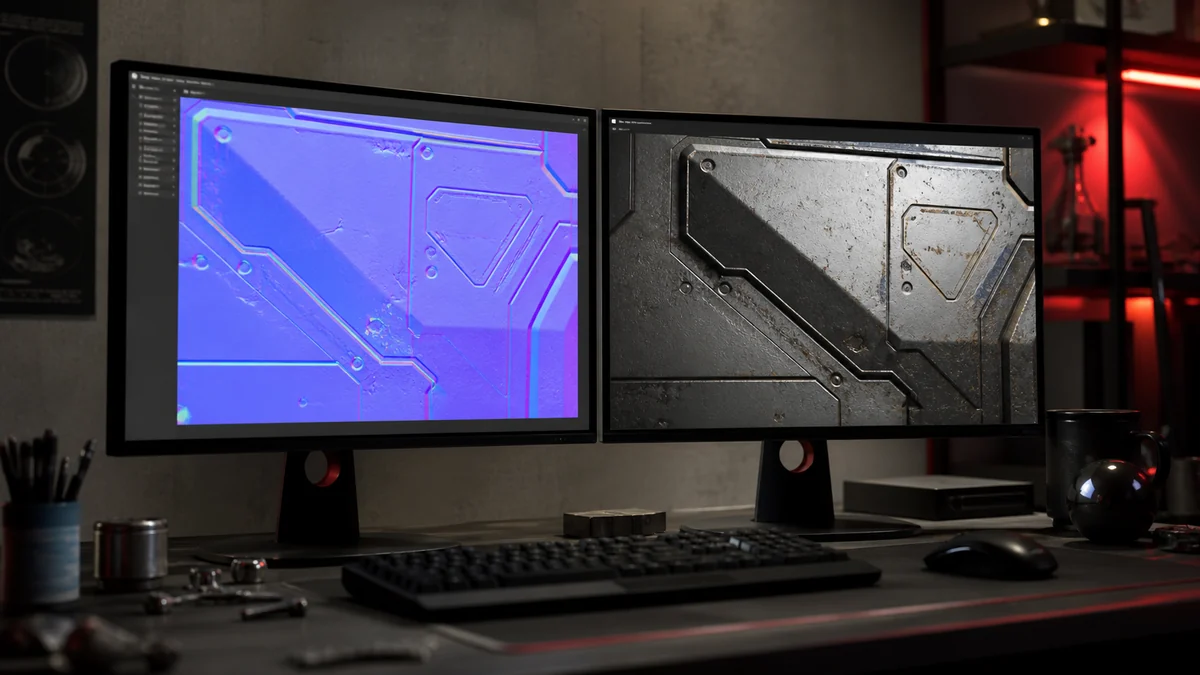
Normal maps add the illusion of surface detail without extra geometry, and they are everywhere in modern games. But they are data, not colour, so converting them from PNG to DDS needs a slightly different approach than a regular texture. This guide keeps your normal maps clean.
What normal maps are
A normal map stores surface direction in its red, green, and blue channels rather than a picture. Each pixel encodes which way the surface faces, which lets lighting fake bumps and grooves on a flat polygon. Because the values are data, they must be preserved carefully.
Keep them linear, not sRGB
The most important rule is that normal maps are linear data and must not be treated as sRGB colour. If an engine applies an sRGB curve to a normal map, the lighting goes subtly wrong. When you import, disable sRGB or mark the texture as a normal map. Our colour space guide explains why this matters.
Best DDS formats for normal maps
DXT5 and BC7 both work well. BC7 gives the cleanest result because its flexible blocks handle the smooth transitions in a normal map with fewer artifacts. DXT1 is generally too coarse for normals and can introduce visible faceting on curved surfaces. When quality matters, prefer PNG to DDS BC7 for normals.
| Format | Normal map suitability |
|---|---|
| BC7 | Excellent, smoothest result |
| DXT5 | Good, widely used |
| DXT1 | Poor, can facet |
| Uncompressed | Lossless, largest |
Avoiding artifacts
Block compression can flatten the subtle gradients that a normal map relies on, showing up as banding on smooth curves. To reduce it, use a higher quality format, keep your source at a sensible resolution, and always work from a PNG master rather than recompressing an already compressed map.
Sanity checks
After converting, drop the normal map into a material and light it from a few angles. Bumps should catch light on the correct side and the surface should not look inverted. If the detail appears reversed, your engine may expect a different green channel convention, which you can flip in your art tool before exporting again.
Frequently Asked Questions
BC7 gives the smoothest result, with DXT5 a solid second choice. Avoid DXT1, which is too coarse and can facet curved surfaces.
No. Normal maps are linear data. Disable sRGB or mark the texture as a normal map so lighting reads it correctly.
Engines differ on the green channel convention. Flip the green channel in your art tool and re export if the detail appears reversed.