Textures are usually the biggest consumer of memory in a game. Choosing the right DDS format and settings can cut that footprint dramatically without a visible drop in quality. This guide shows how to optimise texture file size when you convert PNG to DDS.
Why texture size matters
Every texture your game uses occupies video memory while it is loaded. Oversized or poorly compressed textures fill that memory fast, which can cause stutter, longer load times, and problems on lower end hardware. Optimising size keeps a game smooth across more devices.
Start with format choice
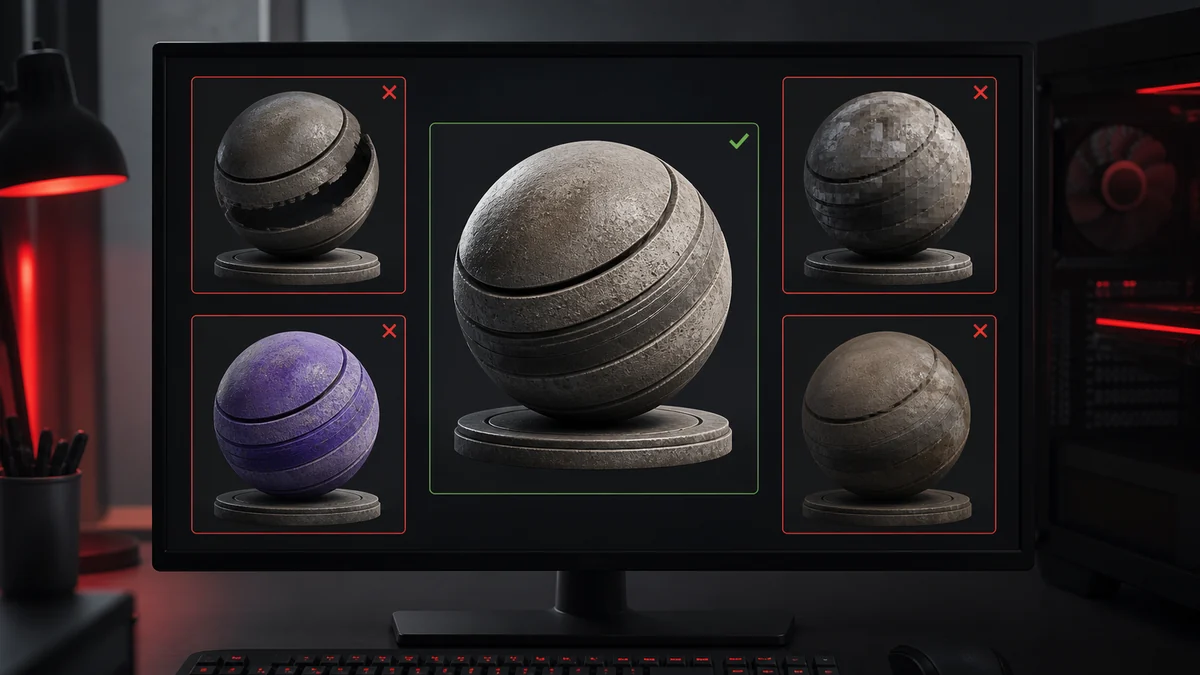
Format is the biggest lever. DXT1 is half the size of DXT5, so use it for any opaque texture that does not need smooth alpha. Reserve DXT5 for images with soft transparency, and save BC7 or uncompressed for the few hero assets that truly need them.
| Format | Relative size | Use when |
|---|---|---|
| DXT1 | Smallest | Opaque or hard cutout |
| DXT5 | 2x DXT1 | Soft transparency |
| BC7 | 2x DXT1 | Hero colour detail |
| Uncompressed | Largest | Masters only |
Use the right resolution
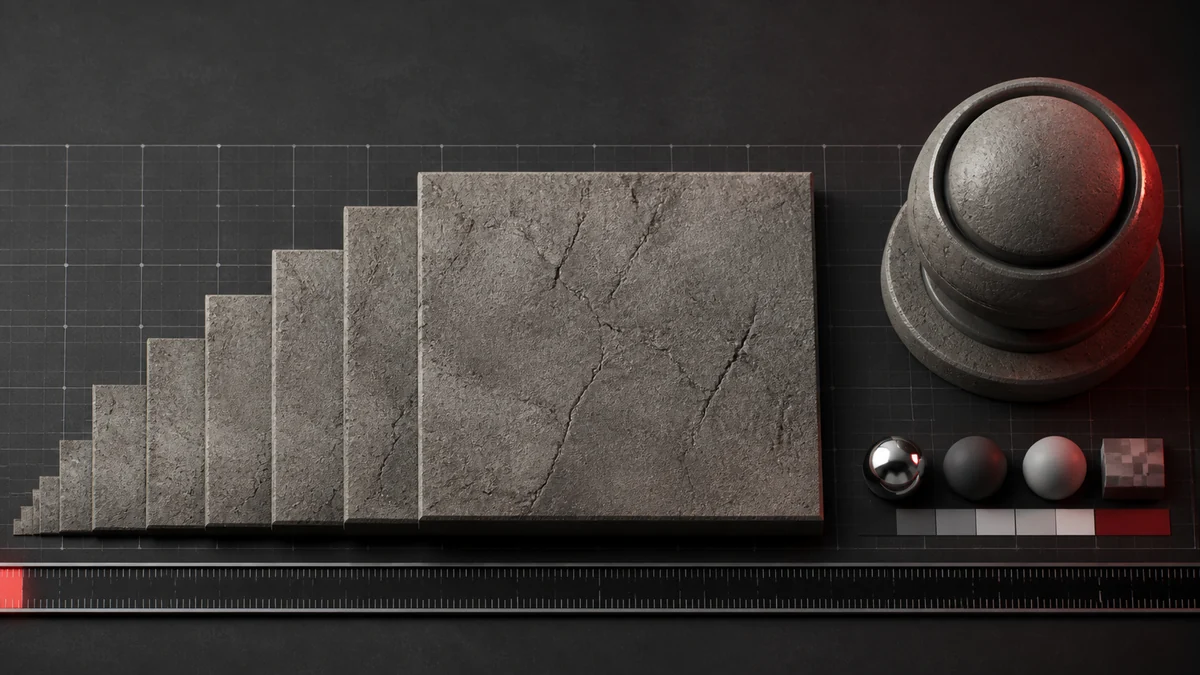
A texture only needs enough resolution for how large it appears on screen. A small prop rarely needs a 2048 texture. Halving the dimensions of a texture quarters its memory, so right sizing your source PNG before conversion is one of the most effective optimisations available.
Mipmaps and size
Mipmaps add roughly a third to a file, but they are worth it for 3D surfaces because they improve quality at a distance and can actually improve performance by reducing texture cache misses. For fixed size UI, skip them to save space.
Setting a texture budget
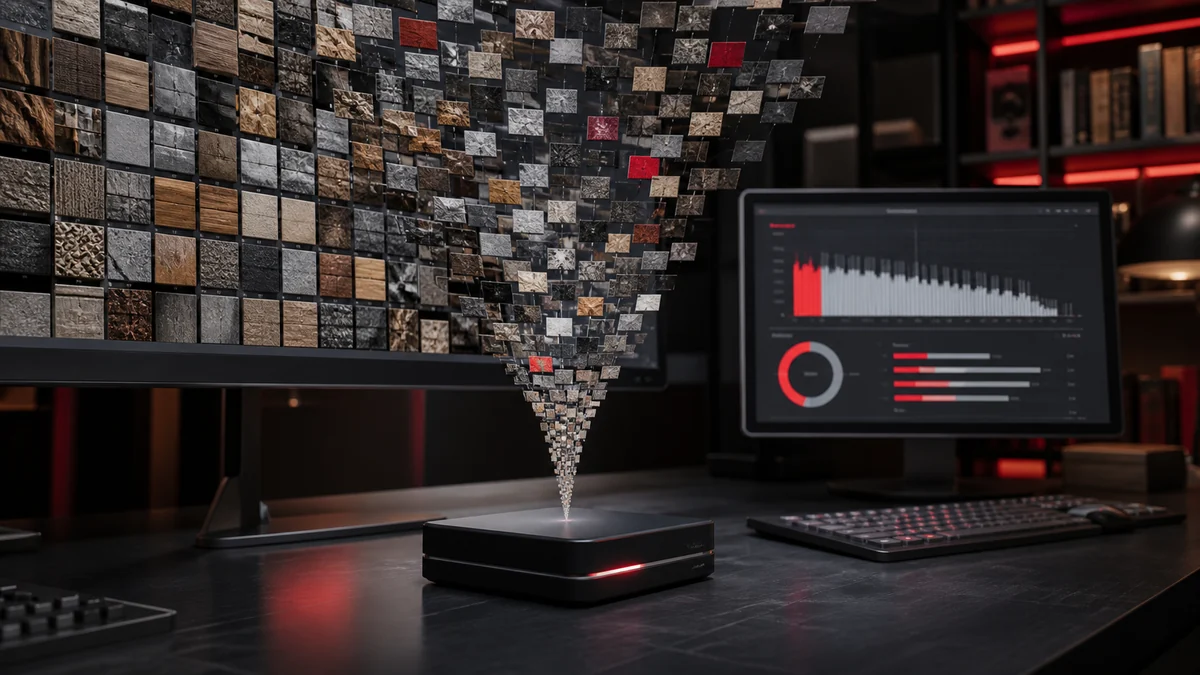
Professionals work to a texture budget: a target for total texture memory on the platforms they support. Assign more resolution and higher formats to important, close up assets, and trim everything else. Convert with intent, picking a format per texture, and your project stays lean. Our converter lets you choose the format for each batch so you can apply exactly this strategy.
Frequently Asked Questions
DXT1 (BC1) is the most compact, at about 4 bits per pixel. Use it for opaque textures where you do not need smooth transparency.
Both help. Halving dimensions quarters memory, which is often the single biggest saving, while format choice controls bits per pixel.
Enable them for 3D surfaces where they improve quality and cache behaviour. Skip them for fixed size UI to save space.