Game Developers
Ship compressed textures that load fast and use less video memory across Unity, Unreal, and custom engines.
Convert PNG images into game ready DDS textures right here in your browser. Free, private, and instant.
Drop your PNG files here
Drag in files or whole folders, or paste with Ctrl+V
Your files will appear here with a live preview, their pixel size, and the DDS size to expect.
From a raw PNG to a compressed, game ready DDS texture in well under a minute.
Drag one image or a whole folder onto the upload area, paste from the clipboard, or browse for files. Each PNG is read on your device and previewed with its exact pixel size.
Tip: batches of up to 200 files are fineDXT1 for the smallest opaque tiles, DXT5 for smooth transparency, BC7 when quality comes first, or uncompressed RGBA for a lossless master. The estimated file size updates as you choose.
Tip: DXT5 is the safe defaultEngines disagree on where a texture starts. Flip vertically, horizontally, or both from one control, and every preview mirrors instantly so you see the result before exporting a single file.
Tip: flip if your DDS lands upside downPress convert and watch each file encode with a live progress bar. Save a single .dds, or pull the entire batch down as one ZIP archive with every file named after its source.
Tip: nothing is ever uploadedNine reasons texture artists, game developers, and modders keep this converter bookmarked.
Export DXT1 (BC1), DXT5 (BC3), BC7, or uncompressed RGBA so every texture gets the right balance of size and quality.
Your PNG transparency is preserved. DXT5 and BC7 keep smooth alpha gradients, while DXT1 handles clean 1 bit cutouts.
Add dozens of PNG files at once, convert them together, and download the whole set as a single tidy ZIP archive.
Every conversion runs in your browser with the canvas API. Your images never leave your computer and nothing touches a server.
No queue and no waiting for a remote job. The built in DDS encoder writes a valid file the moment you press convert.
Files use the standard DirectDraw Surface container with proper FourCC headers, so they open in Unity, Unreal, Godot, and texture tools.
Phone, tablet, laptop, or desktop. The converter is fully responsive and needs nothing more than a modern web browser.
Flip on the V axis, the U axis, or both. The previews mirror live, so your DDS never lands upside down or back to front.
No paywalls, no watermark, no daily limit. Convert as many PNG files to DDS as you need, whenever you need to.
PNG To DDS uses block compression to shrink textures the same way a graphics card reads them. DXT1 and DXT5 group pixels into 4 by 4 blocks, which is why file sizes drop so much compared with a PNG. BC7 packs the same 4 by 4 blocks with far more precision, and the uncompressed option keeps every original pixel when quality matters more than size. Pick the format your engine expects, and keep a PNG master for future edits.
Six kinds of people open this page every day, and every one of them leaves with a texture their pipeline accepts.
Ship compressed textures that load fast and use less video memory across Unity, Unreal, and custom engines.
Prepare DDS replacements for titles like Skyrim, Fallout, and other games that read DirectDraw Surface textures.
Export final art from a PNG master into the exact DDS format a project pipeline calls for, without leaving the browser.
Convert albedo, normal, and roughness maps to DDS so materials render efficiently in real time.
Turn sprite sheets and interface elements with transparency into DXT5 textures ready for a HUD.
Anyone learning game art can convert a PNG to DDS for free, with no install and no account to create.
Texture compression explained, format comparisons, and workflow tips for cleaner DDS exports.
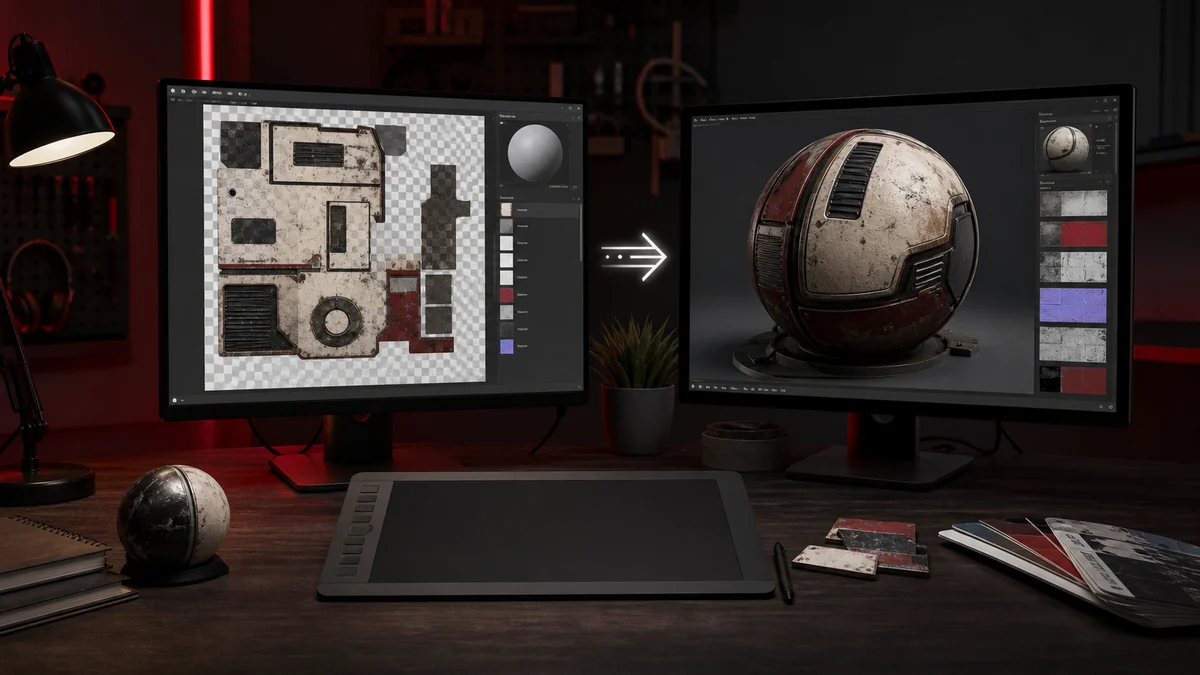
Everything you need to turn a PNG into a clean, game ready DDS texture, start to finish.
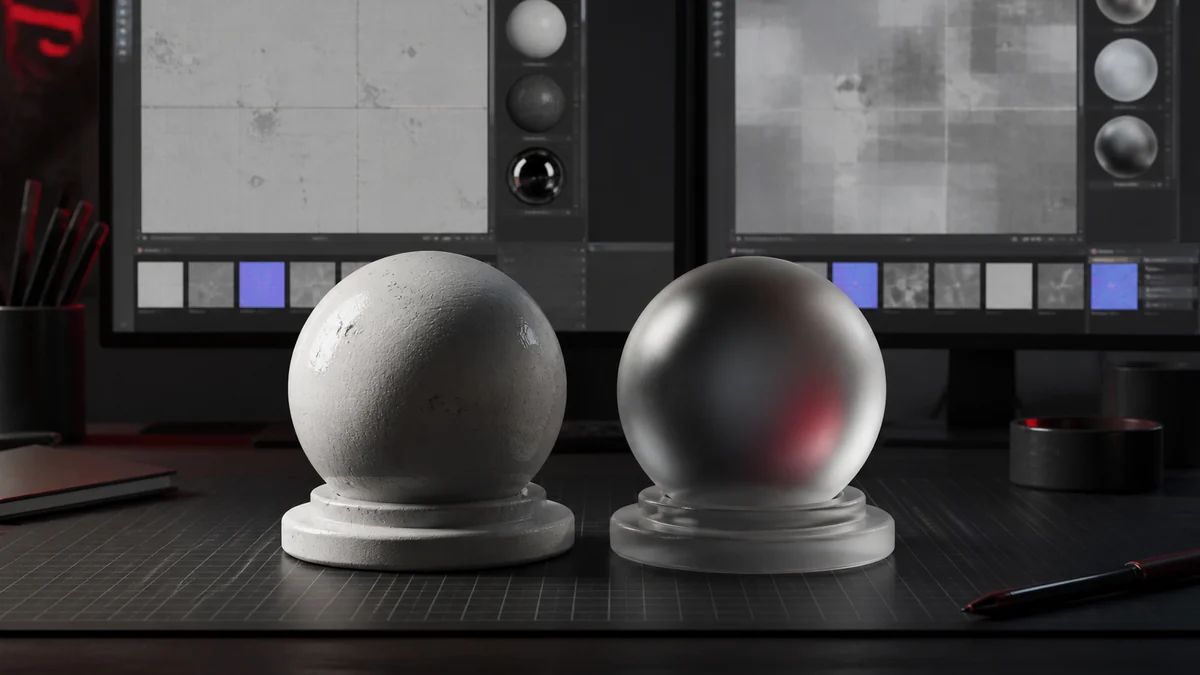
The practical differences between BC1 and BC3, and how to choose the right one every time.
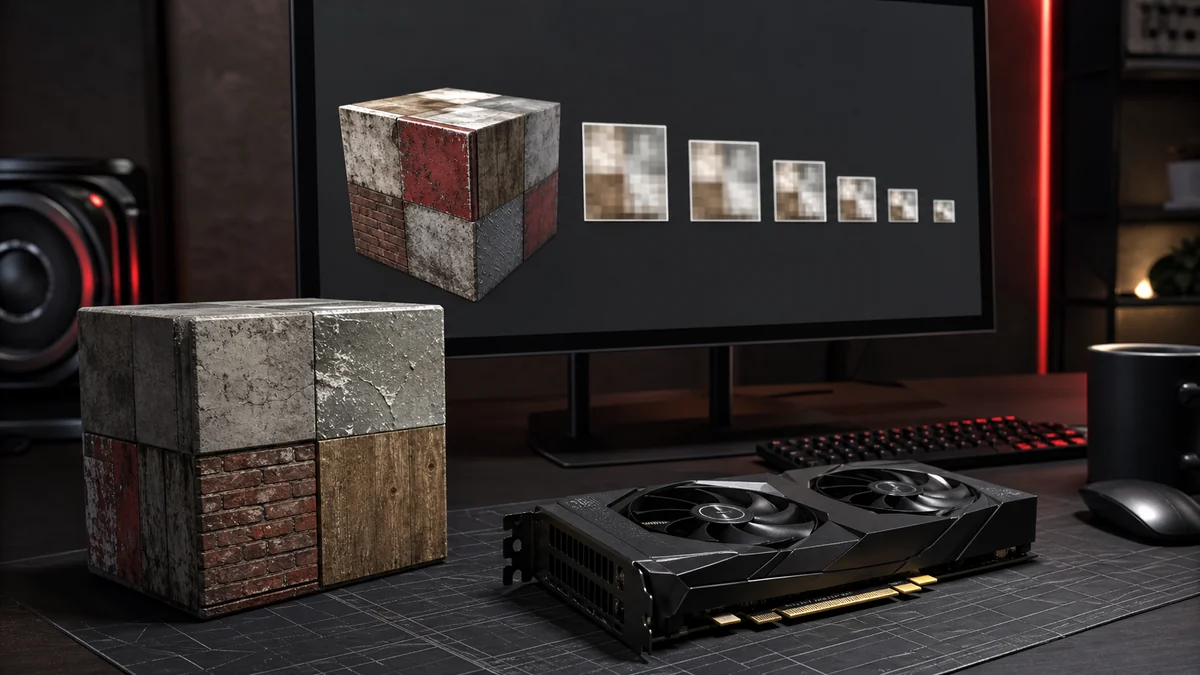
A friendly introduction to DirectDraw Surface textures and where they fit in a pipeline.
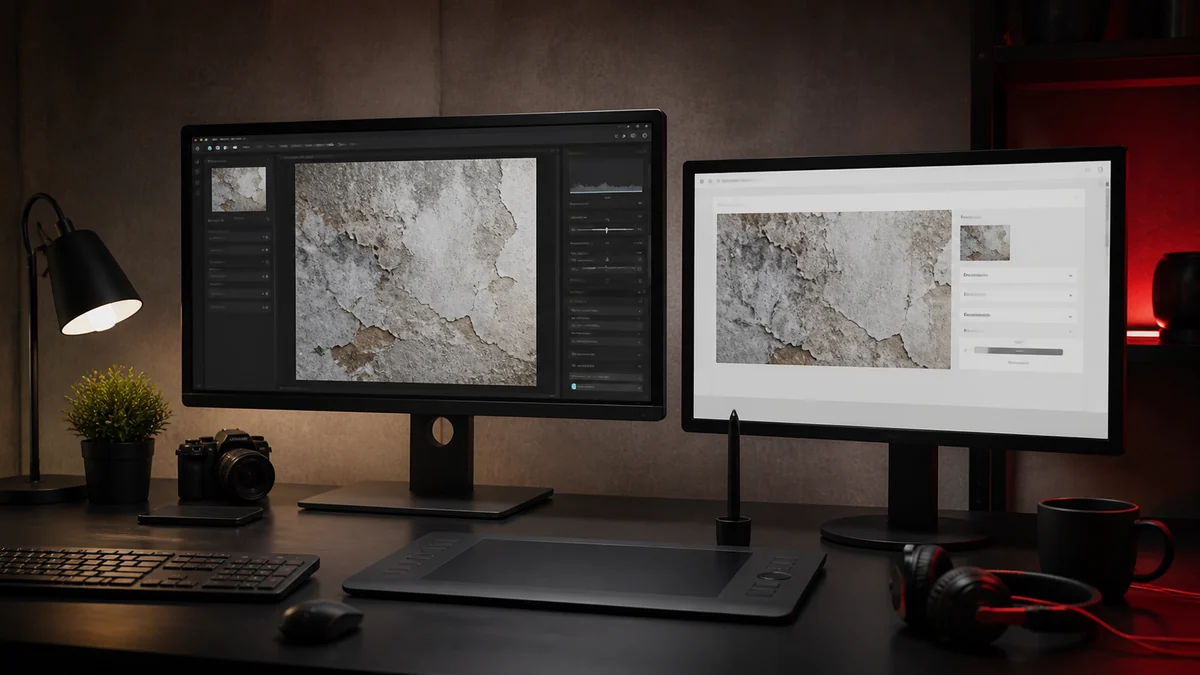
Compare the classic Photoshop DDS plugin route with a fast browser based approach.
Why alpha sometimes breaks on export and how to keep clean edges in every format.
When BC7 is worth the larger file, and how it beats older formats on quality.
The converter draws your PNG to an HTML canvas, reads the raw RGBA pixels, and feeds them to a built in encoder that writes a real DirectDraw Surface file. For DXT1 and DXT5 it groups pixels into 4 by 4 blocks and fits colour endpoints per block, the same block compression used by graphics hardware. You can learn more about who builds this tool and why.
DXT5 stores a separate 8 step alpha block, so smooth transparency survives the compression. BC7 uses 16 interpolation steps across colour and alpha together and is written with a DX10 header, while the uncompressed option keeps every original pixel. Each file carries the correct header and FourCC so it opens cleanly in engines and texture tools.
Because everything happens locally, there is no upload, no wait, and no privacy trade off. Our standards for the guides we publish are set out in our editorial policy.
Texture artists, indie studios, and modding communities use PNG To DDS to ship faster.
The questions people ask most before they convert their first texture with PNG To DDS.
DDS stands for DirectDraw Surface. It is a container that stores textures in a form graphics cards can read directly, usually with block compression such as DXT1, DXT5, or BC7. Games and 3D engines use DDS to load textures quickly and save video memory.
Yes, completely free. There is no signup, no login, and no payment. Open the page, add your PNG files, pick a format, and download the DDS results right away.
Use DXT5 (BC3) for textures with soft transparency, DXT1 (BC1) for opaque images or clean cutouts where size matters, and BC7 or uncompressed RGBA when you want maximum quality. When in doubt, DXT5 is a safe all rounder.
No. Every conversion runs locally in your browser using the canvas API and a built in DDS encoder. Your PNG files never leave your device and nothing is sent to a server.
Yes. DXT5 and BC7 preserve smooth alpha gradients, and DXT1 supports a 1 bit transparency mask for hard edged cutouts. The uncompressed option keeps the alpha channel exactly.
Yes. Add as many PNG files as you like, convert them together, then download each one or grab the whole batch as a single ZIP archive.
The files use the standard DirectDraw Surface container with correct headers and FourCC codes, so they open in Unity, Unreal, Godot, and common texture tools. If an engine expects a specific format, choose it from the format menu before converting.
Some engines place the texture origin at the bottom left rather than the top left. If your texture appears flipped, turn on the vertical flip in the orientation control and convert again. A horizontal flip is there too for mirrored UV layouts, and both can be used together.
Any size your browser can open works. For best results with block compressed formats, power of two dimensions such as 256, 512, or 1024 are recommended, since many engines expect them.
No. The converter runs entirely in your web browser. There is nothing to download or install, and it works on Windows, macOS, Linux, and mobile.
Yes. Although it is built for PNG to DDS, the tool also accepts JPG, WebP, and BMP images and converts them to DDS using the same encoder. PNG is best when you need transparency.
PNG is a lossless format ideal for editing and sharing, while DDS is a GPU friendly format built for real time rendering. Keep a PNG master for future edits and export to DDS when a game or engine needs it.
Free, private, and instant. Add your files and export game ready DDS in seconds.