If you have downloaded a game texture or opened a modding folder, you have probably seen files ending in .dds and wondered what they are. This guide explains the DDS format in plain language, so you understand exactly what you are creating when you convert a PNG to DDS.
What DDS means
DDS stands for DirectDraw Surface. It is a file container that stores one or more images, usually textures, along with information the graphics card needs to use them directly. Unlike everyday formats such as PNG or JPEG, DDS was built for real time rendering rather than viewing or editing.
A little history
The format arrived with Microsoft DirectX and quickly became the standard way to ship textures for games on Windows. Over the years it grew to support new compression schemes, cube maps, volume textures, and modern formats like BC7. Because it has been around so long and is supported almost everywhere, it remains the default choice for game textures today.
How DDS compresses textures
The magic of DDS is block compression. The image is divided into 4 by 4 pixel blocks, and each block is stored compactly using a few colour endpoints and per pixel indices. The graphics card can decode any block instantly while it renders. This is different from PNG, which compresses the whole image as a stream that must be fully decoded before use.
Common schemes include DXT1 (BC1) for opaque textures, DXT5 (BC3) for smooth transparency, and BC7 for high quality colour. You choose one when you export, based on the balance of size and quality you need.
Mipmaps and why they matter
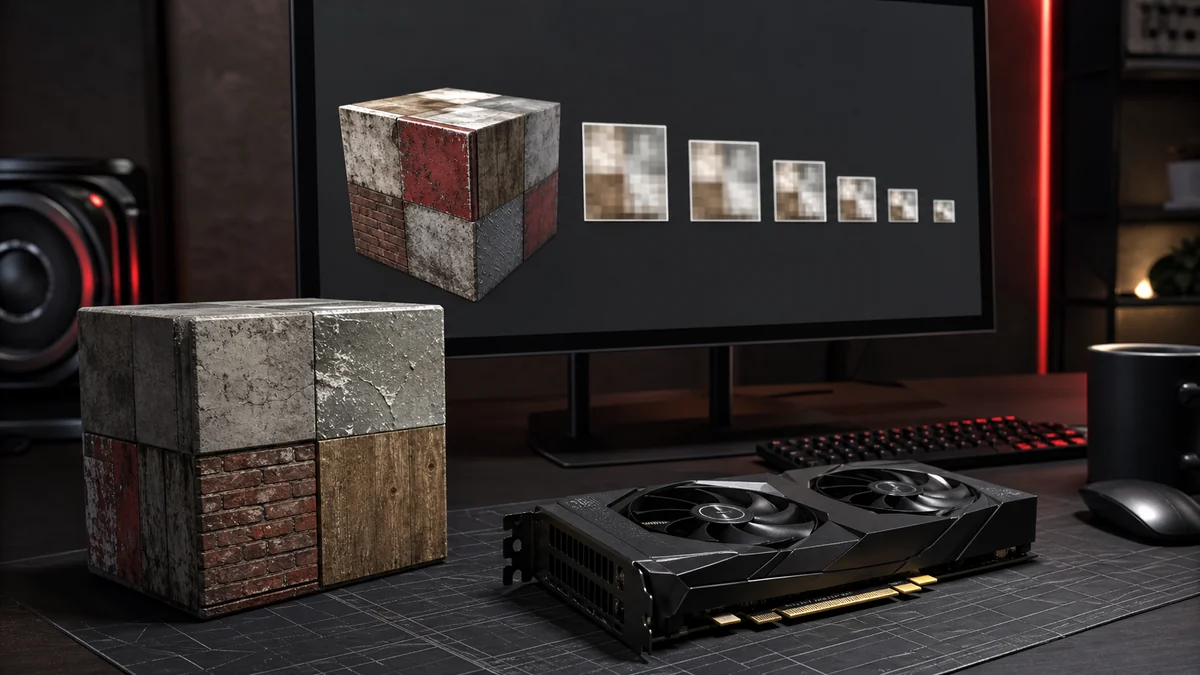
DDS files can store mipmaps, which are pre shrunk copies of the texture at half size, quarter size, and so on. When a textured object is far away, the GPU samples a smaller mip level, which keeps distant surfaces looking clean instead of shimmering. You can learn more in our guide to mipmaps.
Why game engines love DDS
Engines favour DDS because it loads fast, uses less video memory, and needs little processing before rendering. A DDS texture in a compressed format can go almost straight into GPU memory. Multiply that across the thousands of textures in a modern game and the savings are enormous, both in load time and in memory. That is why the humble step of converting a PNG to DDS is such an important part of a game pipeline.
Frequently Asked Questions
They serve different purposes. PNG is lossless and great for editing, while DDS is GPU friendly and built for real time rendering. Use PNG to work and DDS to ship.
Many image tools and engines open DDS. To edit one, it is usually easiest to convert it back to PNG, edit, then re export.
Most Windows and DirectX based games do, and many engines accept it on other platforms too. It is one of the most widely supported texture formats.