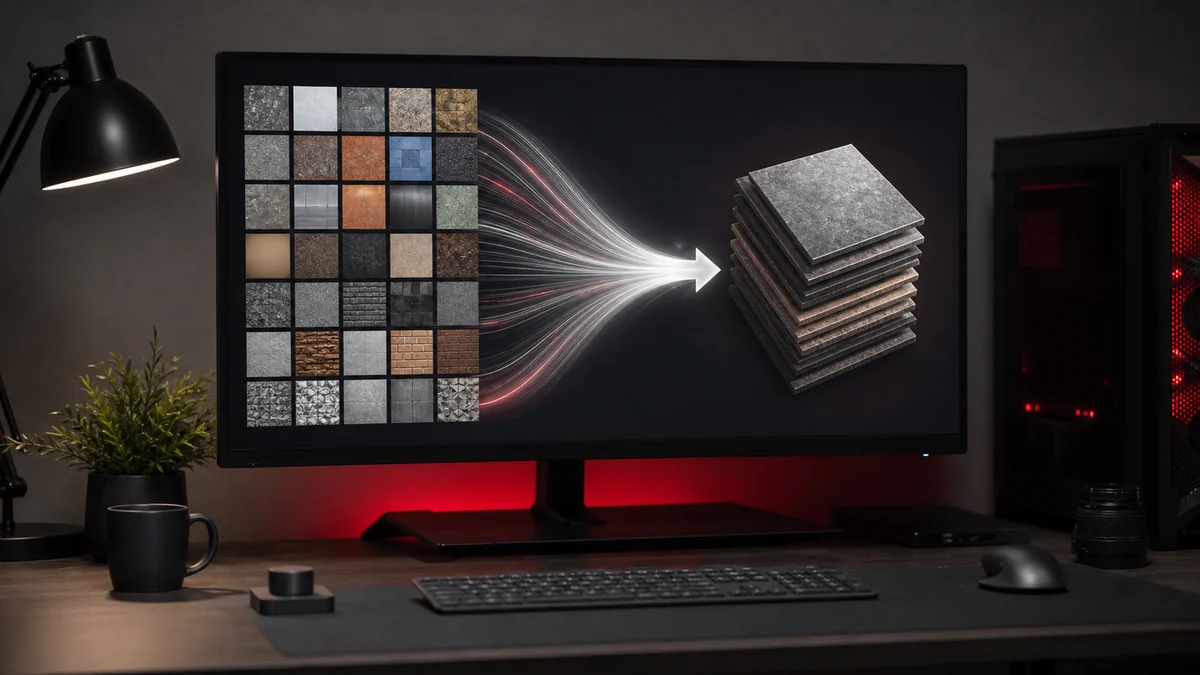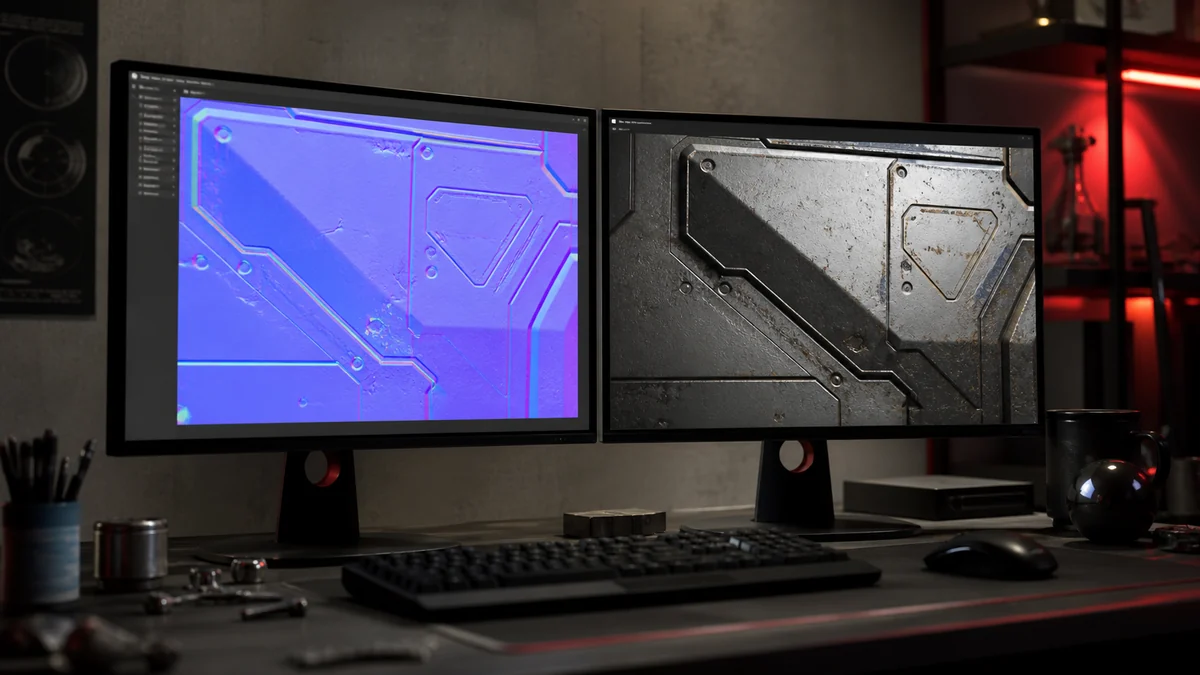
Mipmaps are one of those quiet features that make games look far better than they otherwise would. If you have ever seen a distant fence or checkerboard floor shimmer and sparkle, you have seen what happens without them. This guide explains mipmaps and how they relate to your DDS files.
What mipmaps are
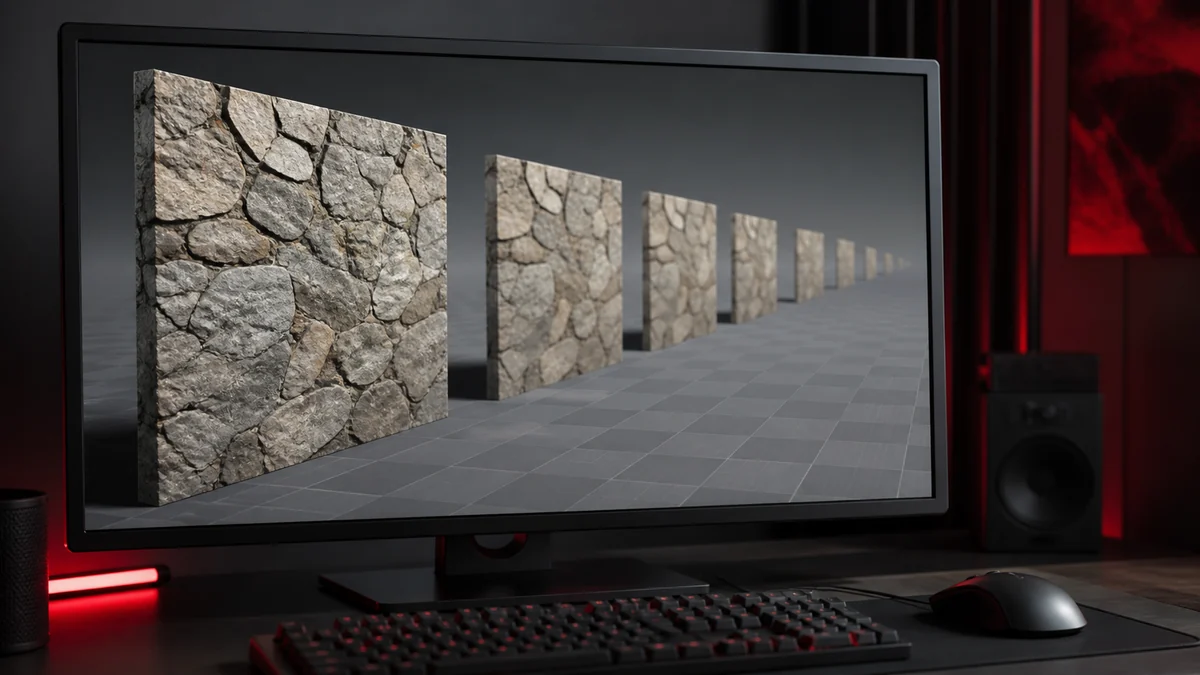
A mipmap is a smaller, pre shrunk copy of a texture. A 1024 by 1024 texture might store a 512 version, a 256 version, a 128 version, and so on down to a single pixel. These copies are generated once and stored alongside the full size image.
Why they exist
When a textured surface is far from the camera, many texture pixels squeeze into a single screen pixel. If the GPU tries to read the full resolution texture, it grabs almost random pixels each frame, which produces shimmering and aliasing. A mipmap solves this by letting the GPU read a smaller, pre filtered copy that already averages those pixels together, so distant surfaces stay smooth.
The mip chain
The full set of shrinking copies is called the mip chain. The GPU picks the level that best matches how large the surface appears on screen, and it can blend between two levels for a seamless transition as the camera moves. This is why a well made texture looks clean at every distance.
Mipmaps in DDS
The DDS format can store the entire mip chain inside a single file. That is a real advantage, because the pre filtered levels ship with the texture and load instantly. When you export a DDS for an engine that uses mipmaps, generating them at export time is usually the right move.
When to use them
Use mipmaps for any texture applied to 3D surfaces that can be viewed at varying distances, which is most of them. You can skip mipmaps for UI elements and sprites drawn at a fixed size, since they are never minified. Your PNG source stays the same either way, since mipmaps are generated from it during conversion. For the bigger picture, revisit our overview of the DDS format.
Frequently Asked Questions
Usually not. UI and sprites drawn at a fixed size are never shrunk, so mipmaps add size without benefit. Use them for 3D surfaces.
Yes, by about one third, since the extra levels are stored too. The payoff is cleaner distant textures and faster sampling.
They are generated during conversion from your source image, then stored inside the DDS file.