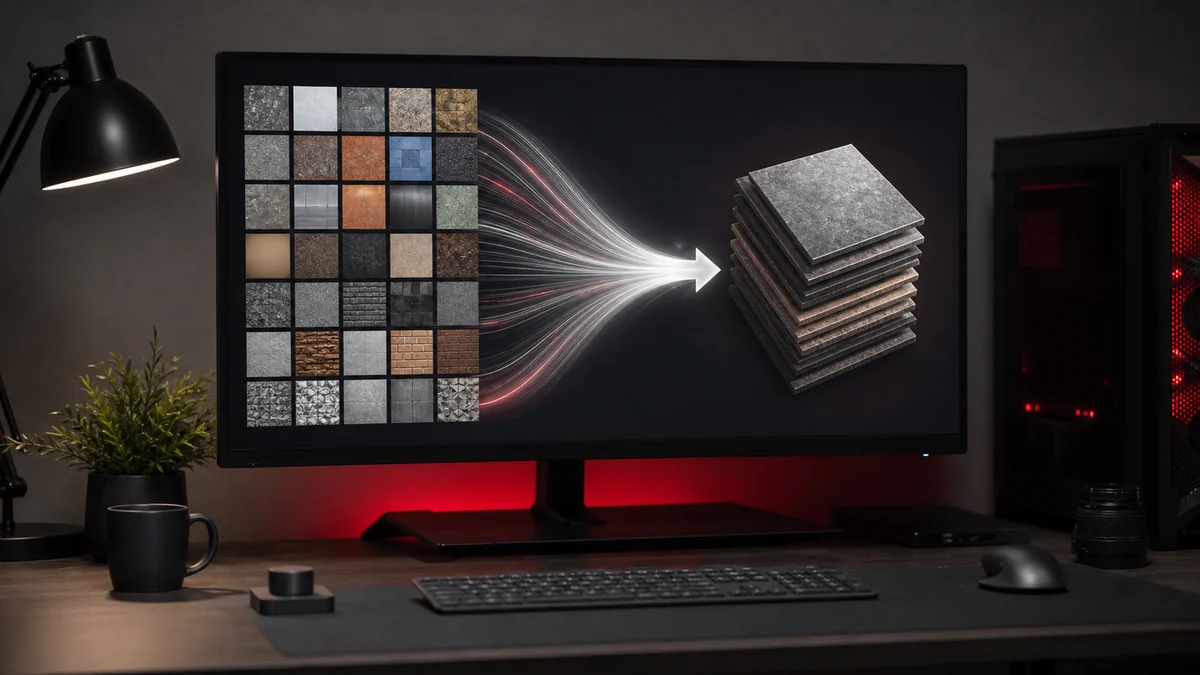
Converting one PNG to DDS is quick. Converting three hundred, one at a time, is a chore. Batch conversion turns an afternoon of clicking into a single operation. This guide shows how to convert many PNG files to DDS at once and keep the results organised.
Why batch conversion matters
Real projects rarely deal in single textures. A character might have albedo, normal, roughness, and mask maps. A UI theme might have dozens of sprites. A mod might replace hundreds of files. Doing each one by hand is slow and error prone, and it is easy to miss a file or apply the wrong format. Batch conversion keeps everything consistent.
How to batch convert
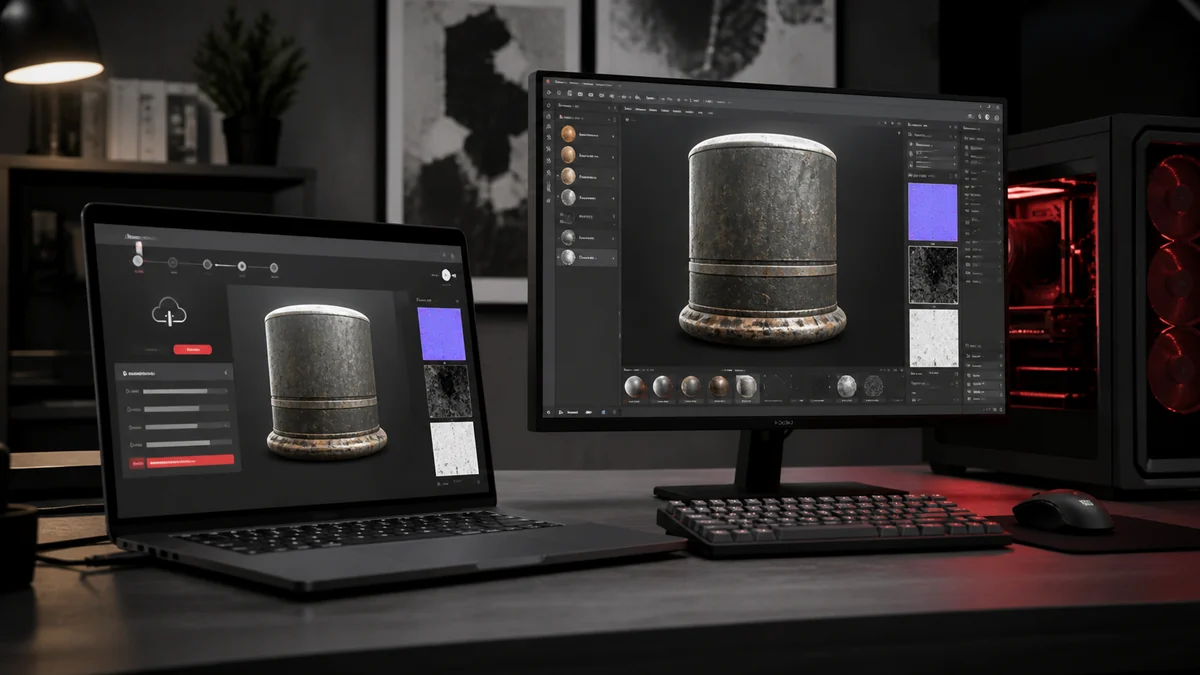
With our browser converter the steps are the same as for one file, just scaled up:
- Drag a whole selection of PNG files onto the dropzone, or browse and multi select.
- Choose a single format that suits the set, such as DXT5 for sprites.
- Press convert once. Every file is processed in turn, right on your device.
- Download them individually, or grab the entire batch as one ZIP.
Downloading a ZIP archive
When you have several converted files, the download all button packages them into a single ZIP so you are not saving files one at a time. The archive keeps each DDS with a clean name based on its original, ready to drop straight into your project folder.
Keeping names tidy
Each output takes the name of its source with a .dds extension, so texture_albedo.png becomes texture_albedo.dds. If two files would end up with the same name, the tool keeps them distinct so nothing is overwritten. Consistent naming makes it far easier to wire textures into materials later.
Batch tips
Group files that need the same format into one batch, and run separate batches when formats differ, for example one pass in DXT5 for images with alpha and another in DXT1 for opaque tiles. Because everything runs locally, even a large batch stays private and does not depend on your connection speed.
Frequently Asked Questions
As many as your browser can comfortably hold in memory. Large batches work fine because everything is processed locally on your device.
Yes. The download all button packages every converted DDS into a single ZIP archive.
A batch uses one format at a time. For mixed needs, run one batch per format, for example DXT5 for alpha images and DXT1 for opaque ones.