When you need to turn a PNG into a DDS, you have two broad choices: an online converter that runs in your browser, or a desktop application you install. Both get the job done, but they suit different situations. This guide compares them honestly.
Online converters
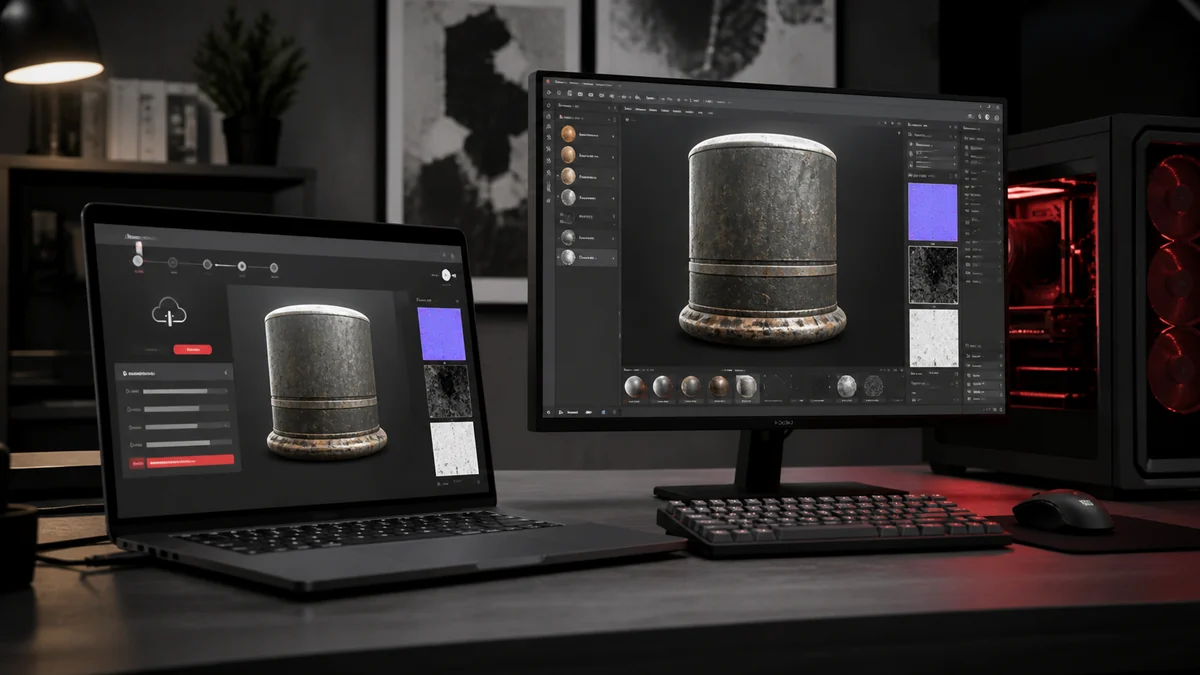
An online PNG to DDS converter needs nothing more than a browser. There is no install, it works on any operating system, and modern tools like ours run the conversion entirely on your device so your files never upload. The trade off with some older online tools is that they do send files to a server, so it is worth choosing one that processes locally.
Desktop apps
Desktop tools such as Easy2Convert PNG to DDS and other utilities install onto your machine and can offer batch processing, command line automation, and fine grained format options. They are powerful for studios with fixed pipelines, but they need installation, updates, and often only run on one operating system.
Privacy
Privacy is where a locally run browser tool shines. Because the conversion happens in your browser with no upload, your artwork stays on your computer just as it would with a desktop app. Always check whether an online tool processes locally or uploads, since that single detail changes everything about how private it is.
| Factor | Browser (local) | Desktop app |
|---|---|---|
| Install needed | No | Yes |
| Works on any OS | Yes | Often one OS |
| Files stay private | Yes, if local | Yes |
| Automation | Limited | Strong |
Features
For everyday work, a good browser tool covers the essentials: multiple formats, transparency, orientation control, and batch export with a ZIP download. Desktop apps pull ahead when you need scripted automation across thousands of files as part of an automated build.
The verdict
For most artists and modders, a browser converter that runs locally is the faster, simpler choice, and it is free. Reach for a desktop app when you need heavy automation baked into a build system. If you want to try the browser route now, our converter handles single files and batches without any install. See also our roundup of free PNG to DDS tools.
Frequently Asked Questions
They are safe when they process files locally in your browser rather than uploading them. Ours converts on your device, so nothing is sent anywhere.
For huge automated batches, a scripted desktop app can be faster. For everyday and manual batches, a local browser tool is quick and needs no install.
No. It runs in any modern browser with nothing to download or install.