Most DDS problems come down to a handful of avoidable mistakes. Learn to spot them and your textures will load correctly, look clean, and behave the same in every engine. Here are seven of the most common, with quick fixes.
1. Choosing the wrong format
Exporting a soft edged image as DXT1 gives jagged alpha, while sending an opaque texture through DXT5 wastes space. Match the format to the texture: DXT1 for opaque and hard cutouts, DXT5 for soft transparency, BC7 for high quality colour.
2. Forgetting mipmaps
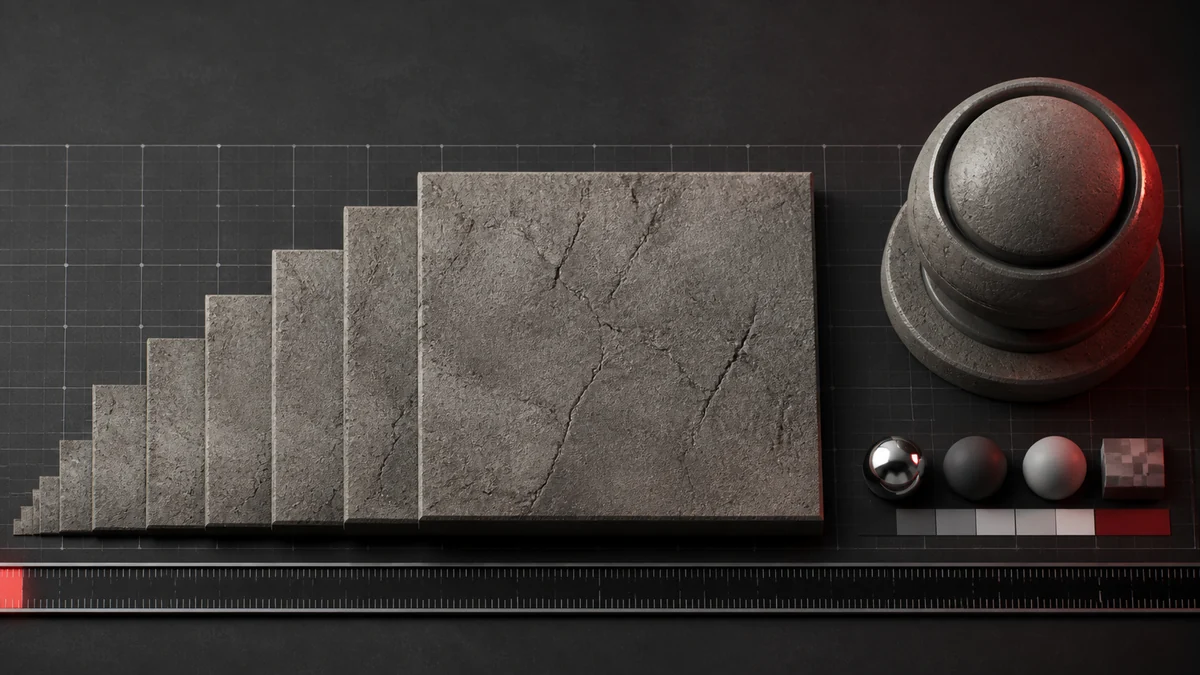
Without mipmaps, textures on 3D surfaces shimmer and sparkle at a distance. If your engine uses them, generate them at export. Our mipmap guide explains why they matter.
3. Treating data maps as sRGB
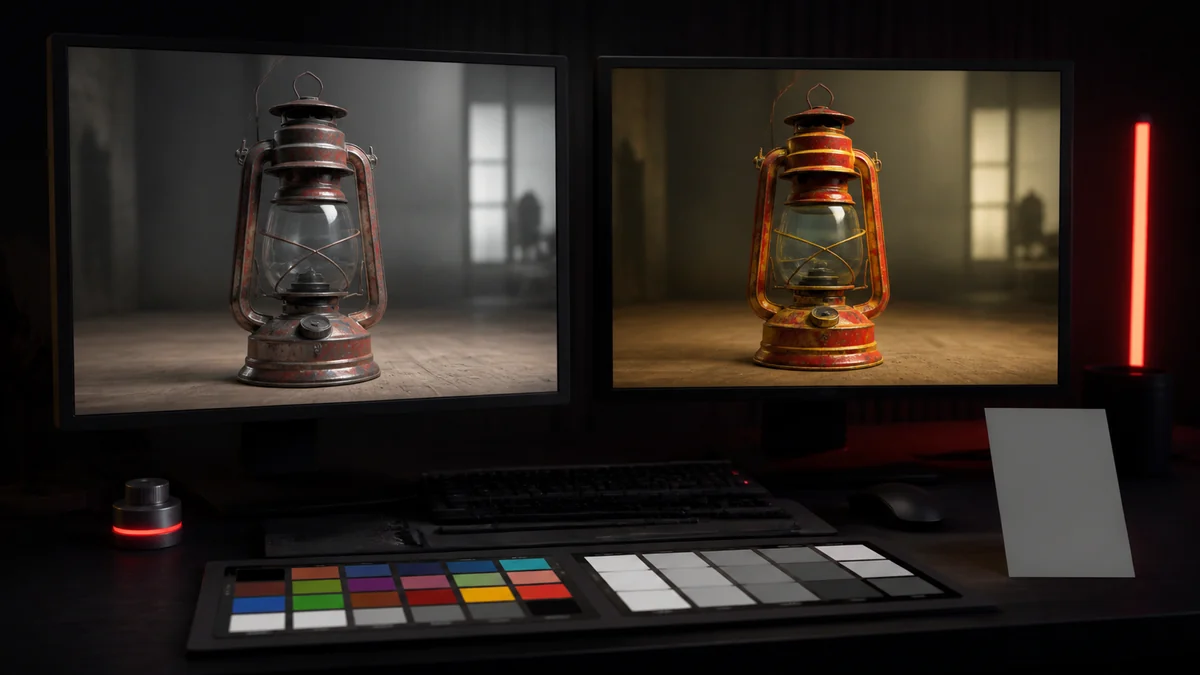
Normal, roughness, metallic, and mask maps store data, not colour, and must be read linearly. Applying an sRGB curve to them makes lighting subtly wrong. Disable sRGB for these textures, as covered in our colour space article.
4. Non power of two dimensions
Odd sizes can break mipmaps, tiling, and compatibility in some engines. Where possible, use power of two dimensions such as 256, 512, or 1024. See our guide on power of two sizes.
5. Recompressing an already compressed file
Converting a DDS to DDS again, or editing a lossy export and re saving, stacks compression and degrades quality. Always work from a PNG master and export fresh each time.
6. Wrong orientation
If a texture appears upside down in your engine, the origin convention differs. Re export with the vertical flip option enabled rather than flipping in game.
7. Skipping the in engine test
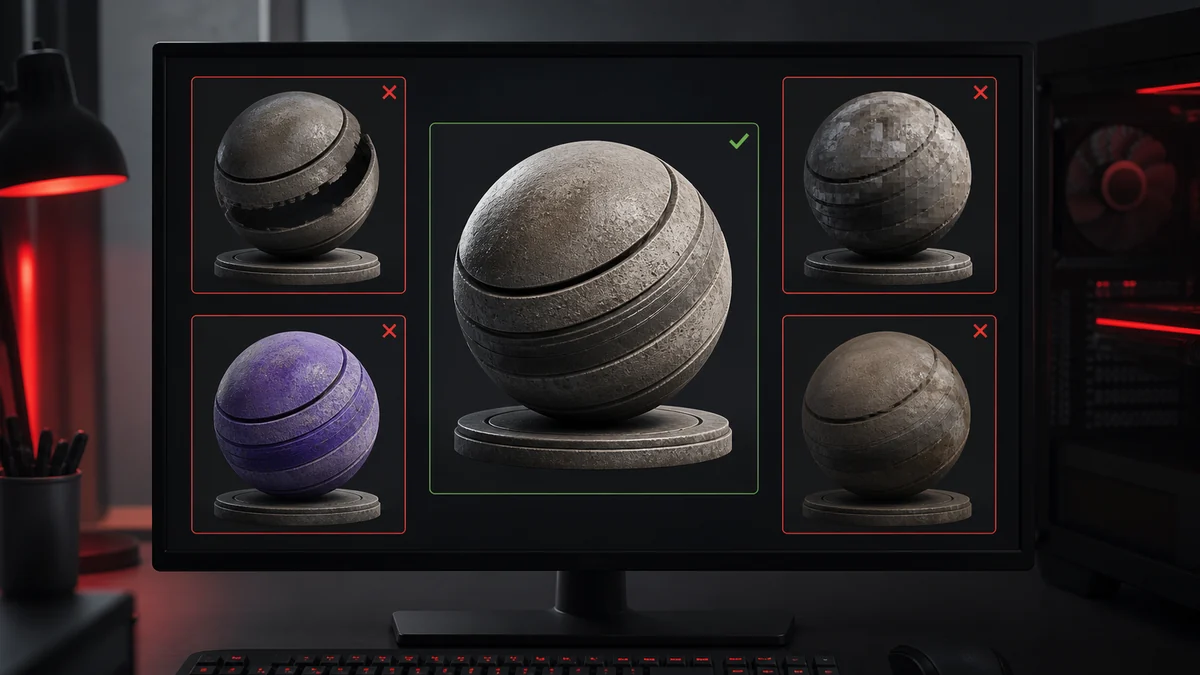
A thumbnail hides problems that lighting reveals. Always drop the finished DDS into a real material and view it under proper lighting before you consider it done. This single habit catches most of the mistakes above. When you are ready to re export cleanly, our converter lets you set the format and orientation explicitly.
Frequently Asked Questions
You may have chosen too aggressive a format, recompressed an already compressed file, or skipped a higher quality option. Work from a PNG master and match the format to the texture.
It is probably missing mipmaps. Generate them at export so the GPU can sample smaller, filtered copies for distant views.
No. Normal, roughness, and mask maps are linear data. Disable sRGB so lighting reads them correctly.