Colour space is one of the most misunderstood parts of texturing, yet getting it right is the difference between correct lighting and a scene that looks subtly off. This guide explains sRGB and linear colour in plain terms and shows how it affects your DDS textures.
Two colour spaces
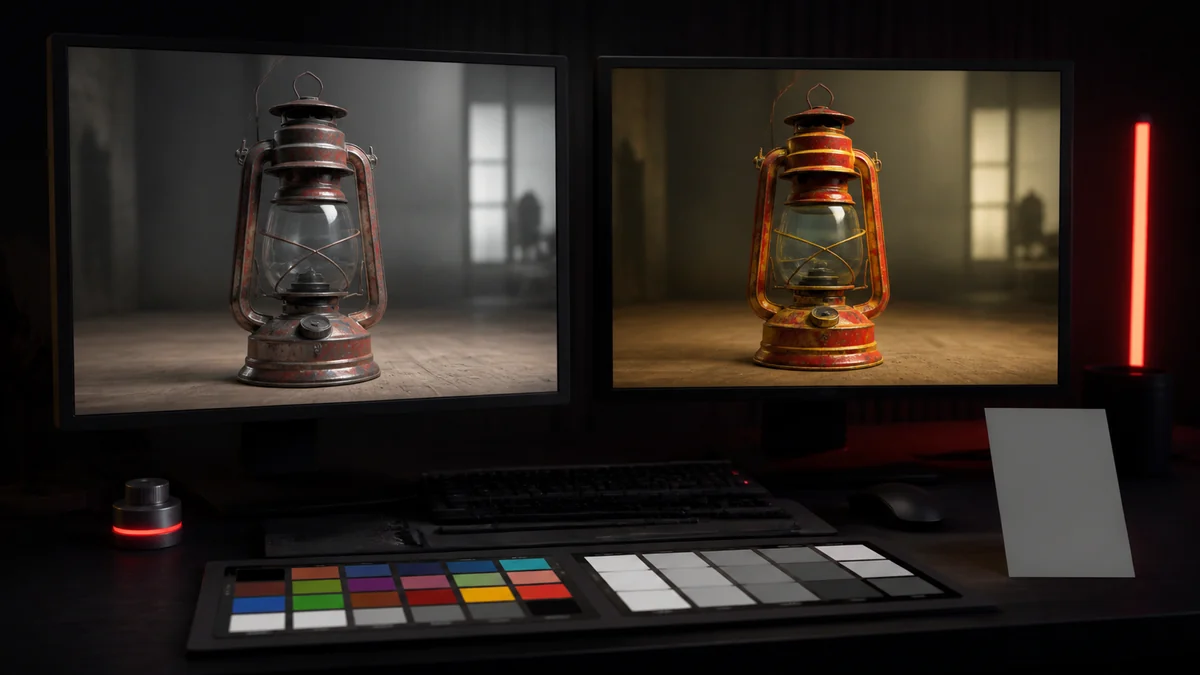
Displays and image files usually store colour in sRGB, a curve tuned to how human eyes perceive brightness. Lighting maths, however, works in linear space, where values add and multiply the way physical light does. A render pipeline converts between the two, and it needs to know which textures are which.
Which textures are sRGB
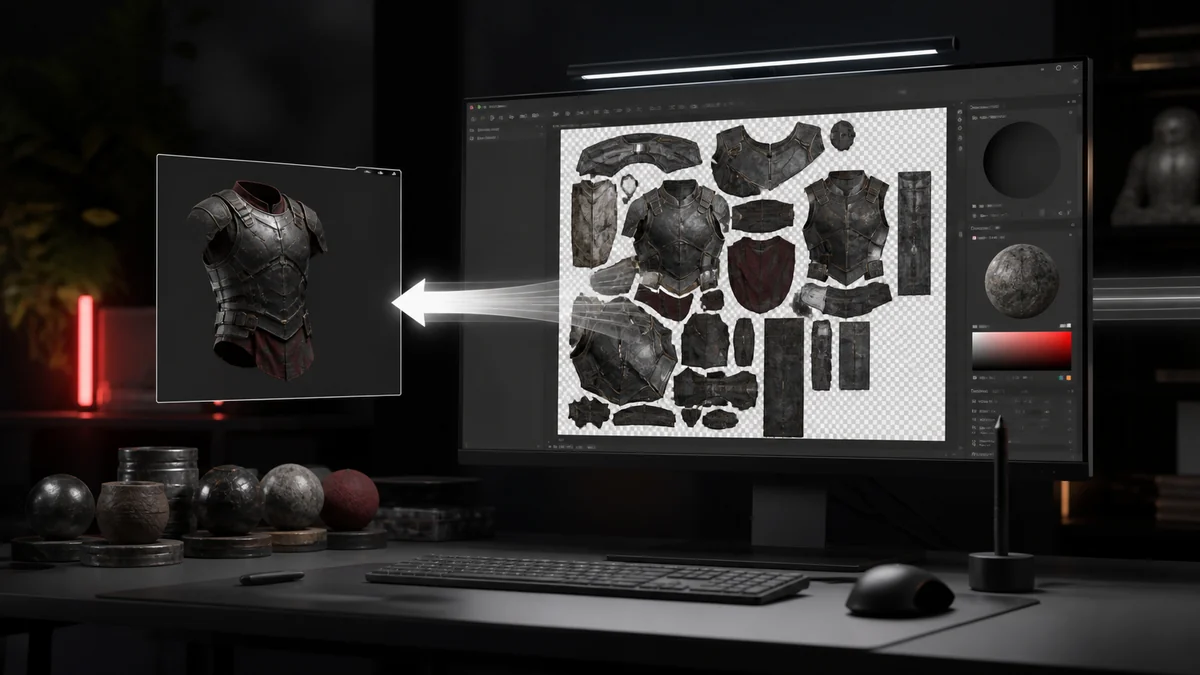
Textures that represent visible colour, like albedo or diffuse maps, are authored and stored as sRGB. The engine converts them to linear when lighting, then back to sRGB for display. Marking these as sRGB on import is correct.
Which textures are linear data
Textures that store data rather than colour must stay linear. Normal maps encode direction, roughness maps encode surface smoothness, metallic and mask maps encode material properties. Applying an sRGB curve to any of these corrupts the values and produces wrong lighting, wrong reflections, or flat looking surfaces.
| Texture | Colour space |
|---|---|
| Albedo or diffuse | sRGB |
| Normal map | Linear |
| Roughness or metallic | Linear |
| Masks and data | Linear |
Common mistakes
The classic error is leaving sRGB enabled on a normal or roughness map. The surface then reacts to light incorrectly, often looking too flat or too shiny. The reverse mistake, marking an albedo map as linear, washes out its colour. When something looks wrong under lighting, colour space is a good first suspect.
Getting it right
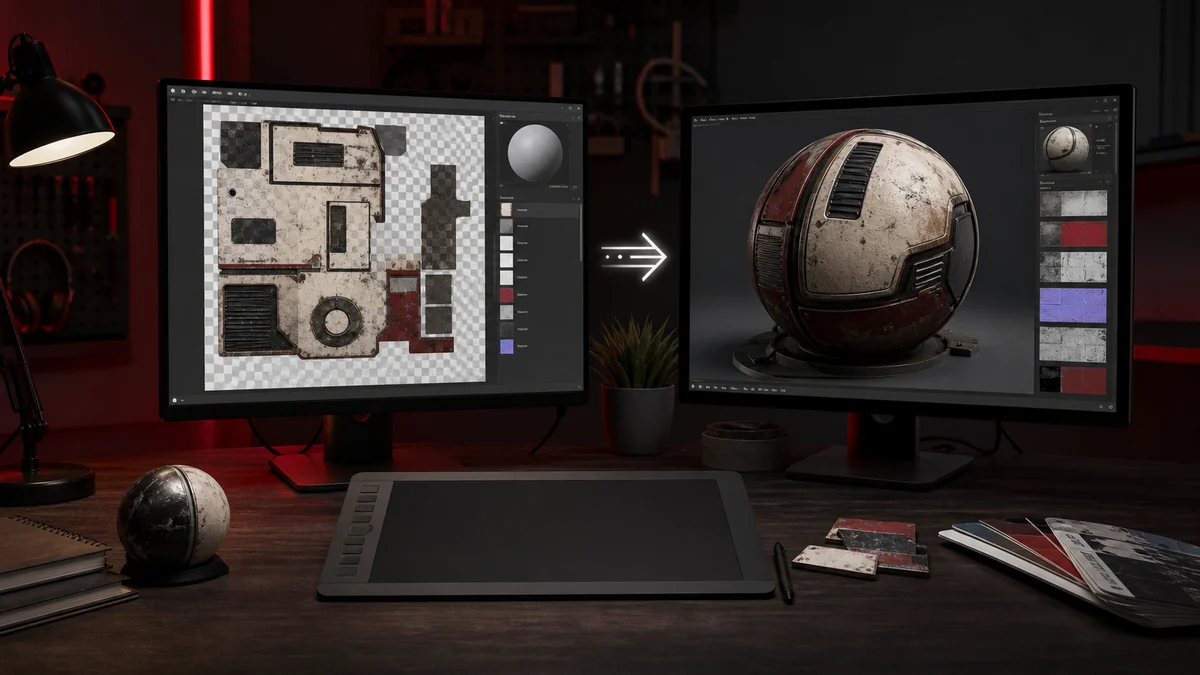
The DDS file itself carries pixels, and the sRGB decision is usually made at import in the engine. So when you convert a PNG to DDS, focus on choosing the right format, then set the sRGB flag correctly in your engine per texture. Our engine guide notes where to find that setting in Unity, Unreal, and Godot.
Frequently Asked Questions
Linear. Normal maps store direction data, and an sRGB curve would corrupt the values and break lighting.
Yes. Albedo and diffuse maps represent visible colour and are authored as sRGB, then converted to linear by the engine for lighting.
Usually at import in your engine, per texture. The DDS stores pixels, while the sRGB flag is applied when the engine loads it.