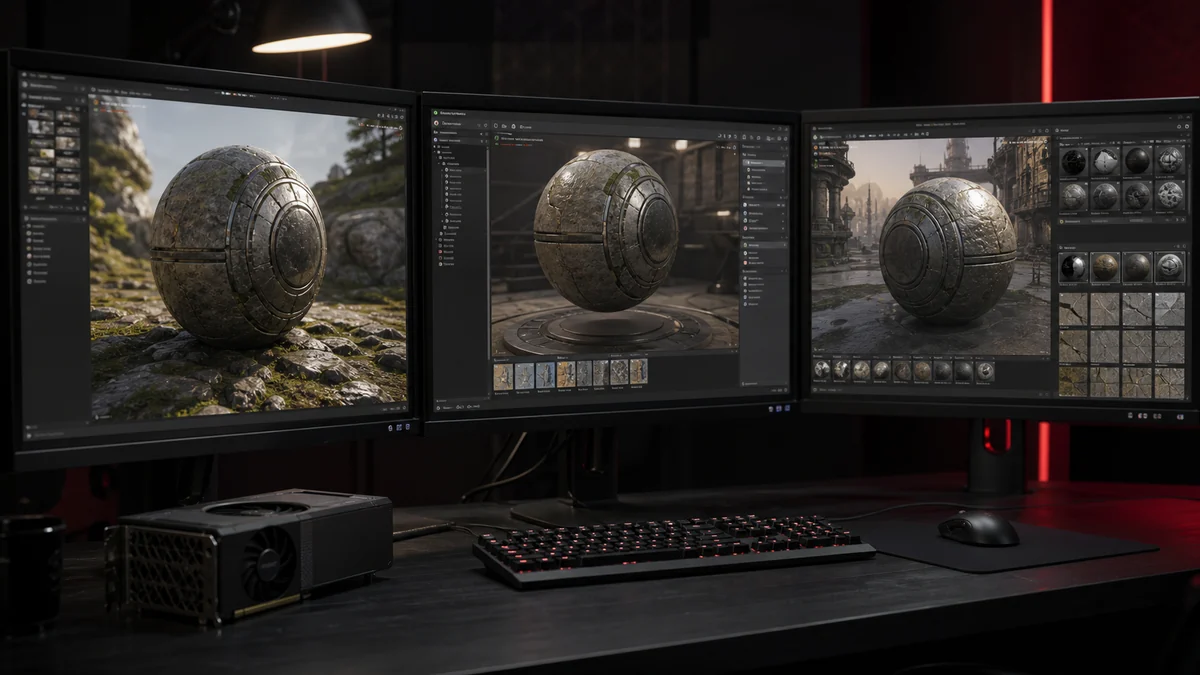
Converting a PNG to DDS is only useful if the file drops cleanly into your engine. The three most popular engines, Unity, Unreal, and Godot, all handle DDS, but each has its own quirks. This guide covers how to bring DDS textures into each one.
Unity
Unity can import DDS files, and it also does its own platform specific compression when you import a PNG. Many Unity developers let the editor handle compression, but DDS is useful when you want precise control over the exact format, or when a texture already exists as DDS from another pipeline. Drop the file into the assets folder and set the texture type in the inspector.
Unreal Engine
Unreal imports DDS and is comfortable with BC formats, including BC7 for high quality colour. It is common to author textures as PNG and let Unreal compress them, but importing a ready made DDS gives you the final say over the format. Check that your DDS orientation matches what Unreal expects, and flip vertically if needed.
Godot
Godot supports DDS textures and will use the compressed data directly, which keeps memory low. As with the others, make sure the format you exported matches how the material will be used, especially for normal maps and images with transparency.
Preferred formats by use
| Texture type | Suggested format |
|---|---|
| Opaque albedo | DXT1 or BC7 |
| Albedo with alpha | DXT5 or BC7 |
| Normal map | DXT5 or BC7, no sRGB |
| UI and sprites | DXT5 |
Import tips that save time
Three things prevent most headaches. Keep dimensions power of two so mipmaps and tiling behave. Turn off sRGB for data textures like normal and roughness maps, which our colour space guide explains. And test the texture in a real material rather than only in the import preview, since lighting reveals problems a thumbnail hides. When you need a specific format fast, our converter lets you pick it explicitly.
Frequently Asked Questions
Yes. Unity imports DDS, though many developers let Unity compress PNG imports instead. DDS is useful when you want exact control of the format.
DXT5 or BC7 work well for normal maps, and you should disable sRGB so the data is read linearly.
Some engines expect the origin at the bottom left. Re export with the vertical flip option turned on.