DDS and PNG are both image formats, but they were built for different jobs. Understanding where each one fits saves memory, keeps your art sharp, and makes your pipeline smoother. This guide compares DDS and PNG so you always know which to use.
Two formats, two purposes
PNG is a lossless format made for editing, sharing, and viewing. It keeps every pixel exactly and opens in any image tool. DDS is a GPU friendly format made for real time rendering. It stores textures in a compressed, hardware ready form that engines load quickly.
Compression
PNG uses lossless compression, so the file can be smaller on disk than a raw bitmap while preserving every pixel. However, once a PNG is decoded into memory it takes up the full uncompressed size. DDS uses block compression that stays compressed in video memory, which is where the real saving happens during rendering.
| Aspect | PNG | DDS |
|---|---|---|
| Compression | Lossless | Block compressed or uncompressed |
| Memory when in use | Full size | Stays compressed on GPU |
| Mipmaps | No | Yes, stored in file |
| Best for | Editing and sharing | Real time rendering |
Transparency
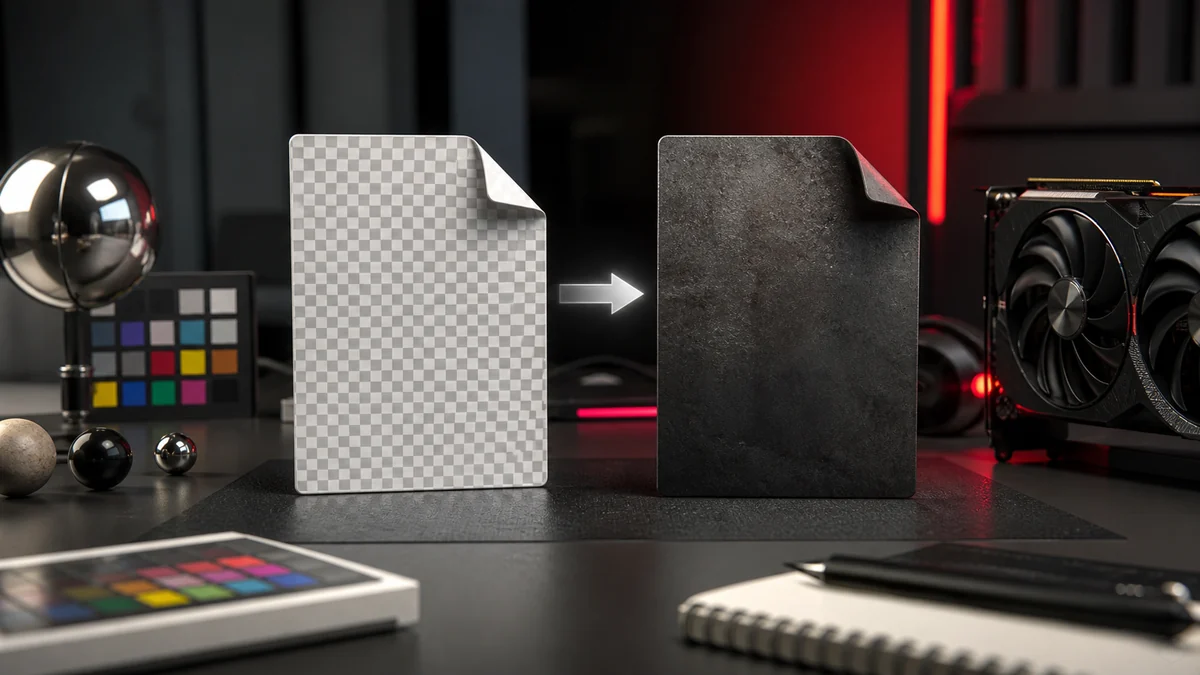
Both formats support transparency. PNG stores a clean 8 bit alpha channel. DDS supports full alpha in DXT5 and BC7, and a single alpha bit in DXT1. If your art has soft edges, keep the PNG master and export to DXT5 or BC7.
Editing
PNG is the clear winner for editing. It is lossless, universally supported, and easy to open, tweak, and re save. DDS is awkward to edit directly because it is compressed for the GPU, which is why the usual advice is to edit the PNG and re export the DDS.
Where each fits in a pipeline
The healthy pattern is simple: author and store your textures as PNG, then convert to DDS as the final export for the engine. That way you always have a lossless master to return to, and you ship the efficient format the game needs. Our converter makes that final step quick, and if you ever need to go backward, see our guide on converting DDS back to PNG.
Frequently Asked Questions
Store masters as PNG for lossless editing, and export DDS for the engine. This keeps a clean original and an efficient shipping format.
On the GPU, yes, because DDS stays compressed in memory. On disk it depends on the format, but the big win is memory during rendering.
It is possible but awkward. It is far easier to edit the PNG master and re export the DDS.