You may have heard that texture sizes should be a power of two, like 256, 512, or 1024. Modern hardware is more flexible than it once was, but the advice still holds for good reasons. This guide explains why, and when you can bend the rule.
What power of two means
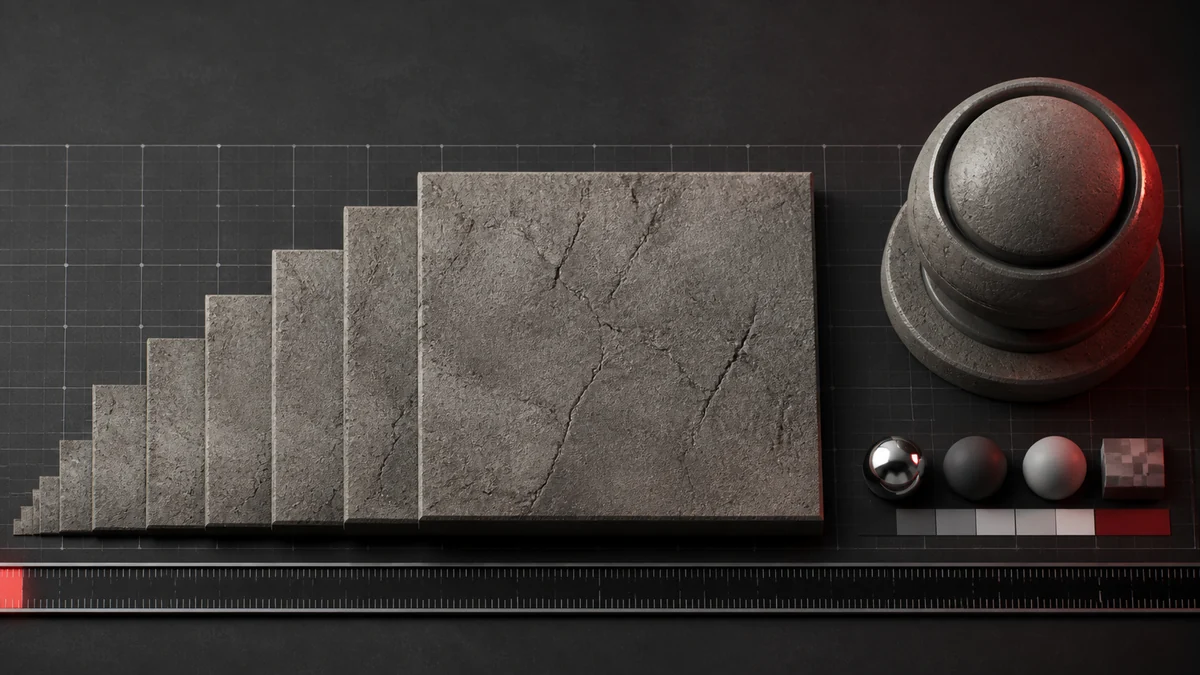
A power of two number is one you reach by doubling from one: 1, 2, 4, 8, 16, and so on up to 512, 1024, 2048. A power of two texture has both width and height chosen from that list, though they do not have to match, so 1024 by 512 is fine.
Mipmaps need it
Mipmaps are made by repeatedly halving a texture. Power of two dimensions halve cleanly all the way down, which is exactly what the mip chain needs. Non power of two sizes can produce awkward rounding at small mip levels, which is one reason many engines still prefer power of two textures.
Tiling and memory
Textures that repeat across a surface, like brick or fabric, tile most reliably at power of two sizes. Graphics hardware also allocates memory efficiently for these dimensions, so block compressed DDS files line up neatly with the 4 by 4 block grid.
When non power of two is fine
For UI elements, sprites, and textures that are never tiled or mipmapped, non power of two sizes are usually fine on modern hardware. A one off interface graphic at 300 by 120 will work without trouble. The rule matters most for tiling 3D textures that use mipmaps.
In practice
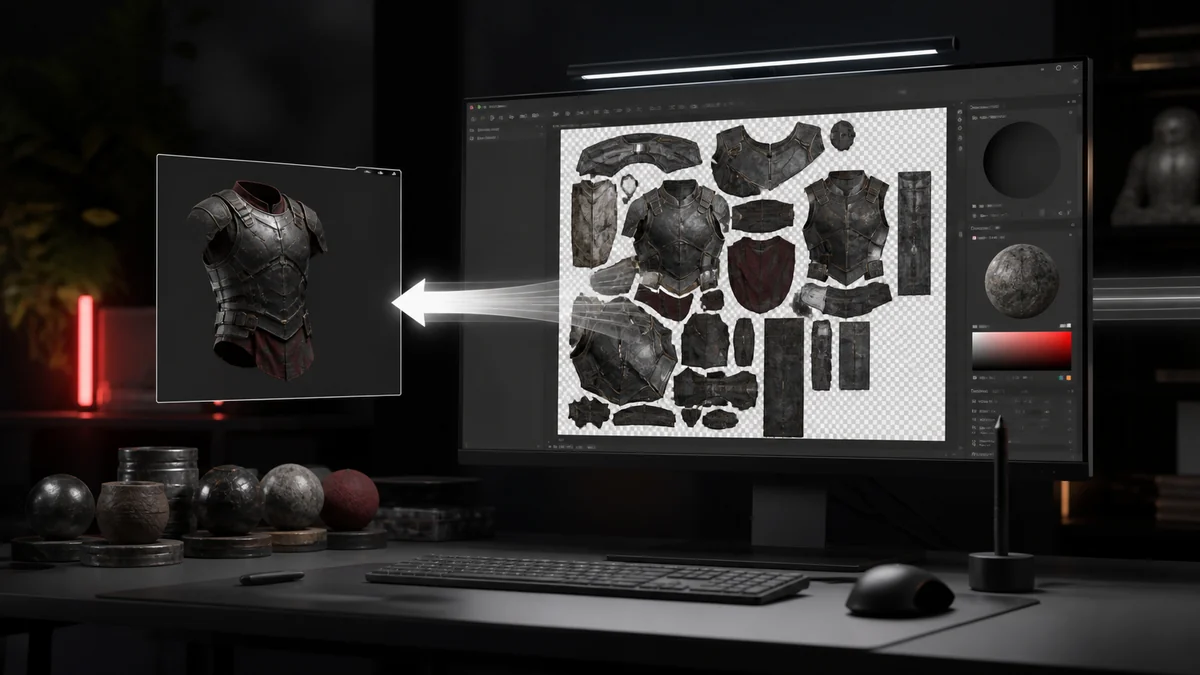
When you prepare a PNG for conversion, aim for power of two dimensions for anything applied to 3D geometry, and do not worry too much for fixed size interface art. If you need to resize, do it in your image tool before converting, then export to DDS. For related pitfalls, see our list of common DDS mistakes.
Frequently Asked Questions
No. Width and height each need to be a power of two for the strictest cases, but they can differ, so 1024 by 512 is fine.
Often yes, especially for UI and non tiled art on modern hardware. The rule matters most for tiling 3D textures with mipmaps.
Because mipmaps halve the size at each level, and power of two dimensions halve cleanly without awkward rounding.