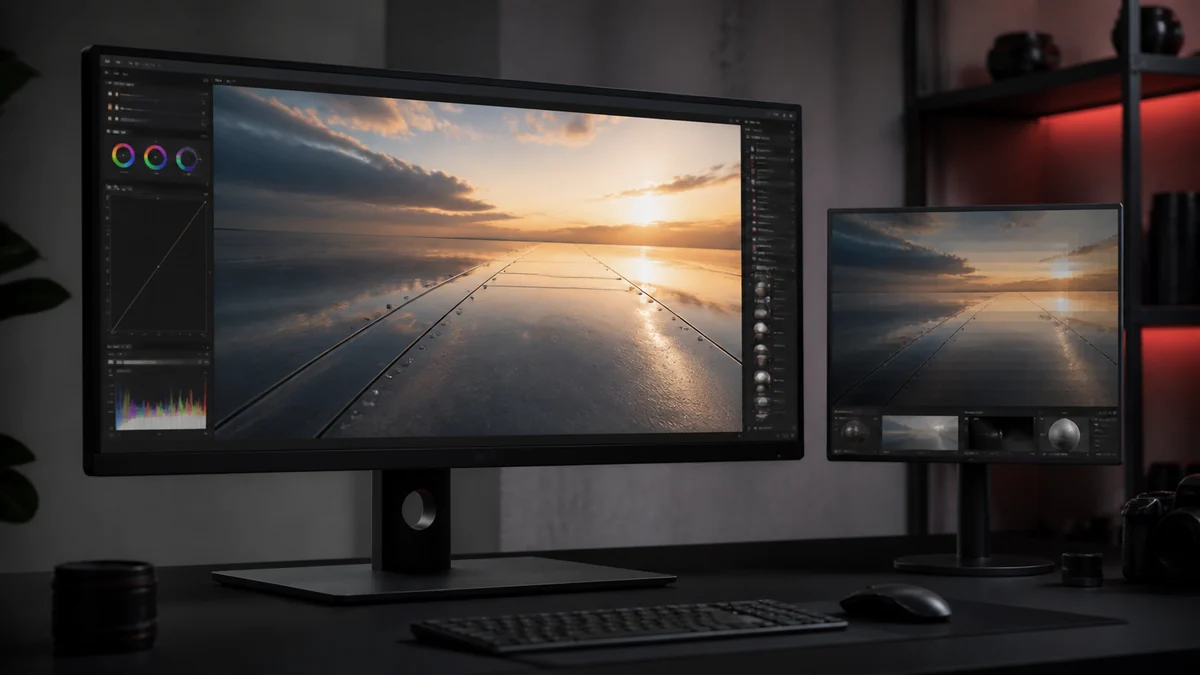
Colour banding shows up as visible steps in what should be a smooth gradient, like a sky or a soft shadow. Block compression can make it worse, and it is a common complaint after converting a PNG to DDS. This guide explains why it happens and how to reduce it.
What banding is
A smooth gradient contains hundreds of subtle colour steps. When a format cannot represent all of them, nearby values collapse into the same colour, and the eye sees bands instead of a smooth blend. It is most obvious in large areas of gentle transition.
Why it happens in DDS
DXT formats store only two colour endpoints per 4 by 4 block and interpolate between them. On a gentle gradient that spans many blocks, the limited precision can create stepping at the block boundaries. The smoother and larger the gradient, the more visible the banding.
Fix it with format choice
The most reliable fix is to use a higher quality format for gradient heavy images. BC7 stores far more colour detail per block and greatly reduces banding compared with DXT1 or DXT5. For a hero sky or a smooth background, PNG to DDS BC7 or the uncompressed option is worth the extra size.
| Format | Banding on gradients |
|---|---|
| DXT1 | Most visible |
| DXT5 | Noticeable |
| BC7 | Much reduced |
| Uncompressed | None from compression |
Dithering the source
Adding a tiny amount of noise, or dithering, to the gradient in your image tool before conversion breaks up the visible steps. The eye blends the noise into a smoother result. A subtle dither on the PNG master often does more than any export setting.
A cleaner workflow
Combine the two approaches: dither the gradient lightly in your PNG, then convert with a higher quality format for images where smoothness matters. Keep the master PNG so you can re export if a texture needs more quality later. Our high quality guide covers the wider picture.
Frequently Asked Questions
BC7 shows far less banding than DXT1 or DXT5 because it stores more colour detail per block. Uncompressed has none from compression.
Yes. A light dither on the gradient in your source PNG breaks up visible steps so the eye reads it as smooth.
Large smooth gradients expose the limited colour precision of block compression. Use BC7 or uncompressed and dither the source.