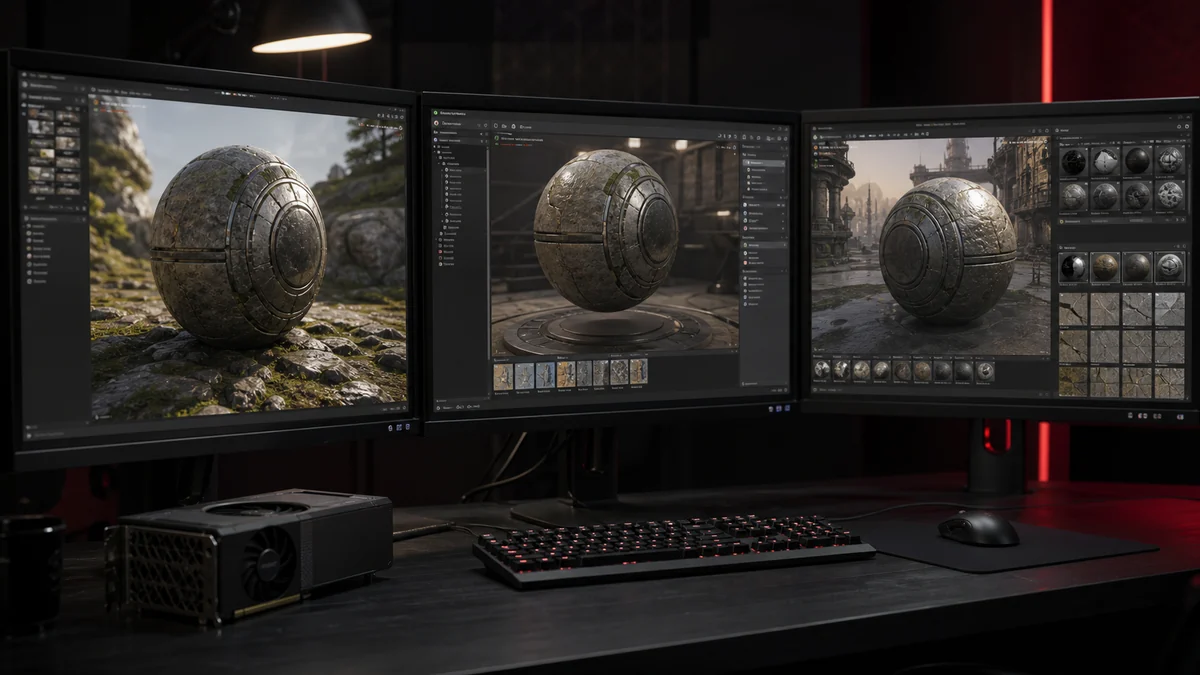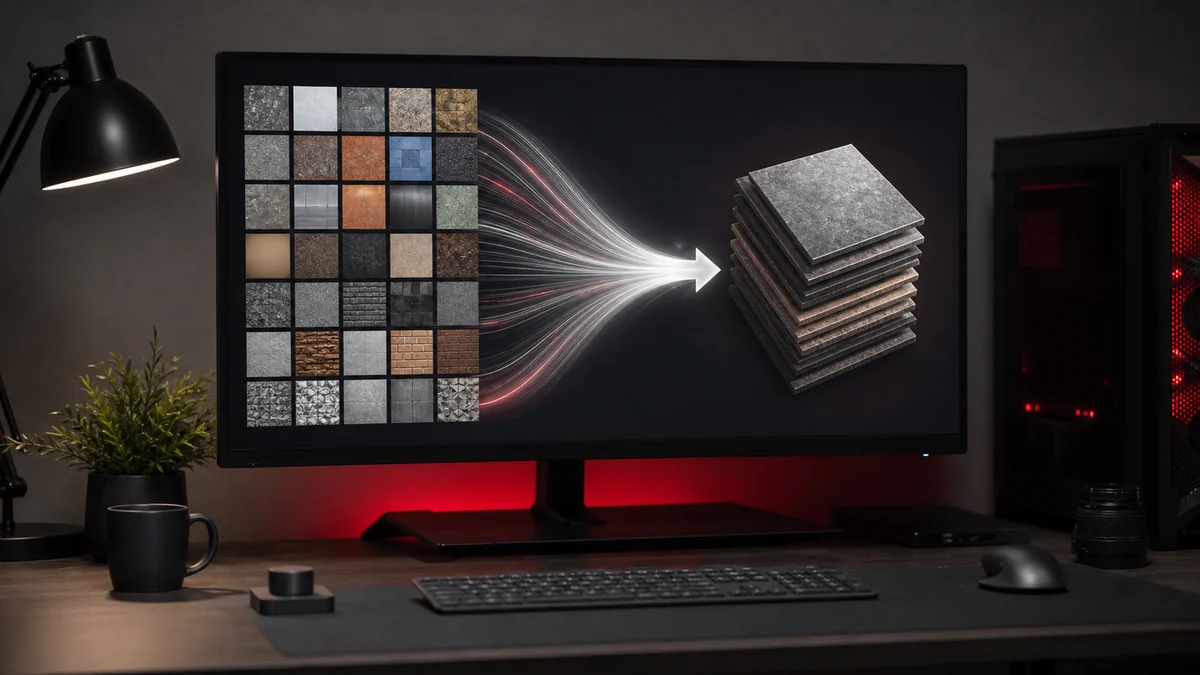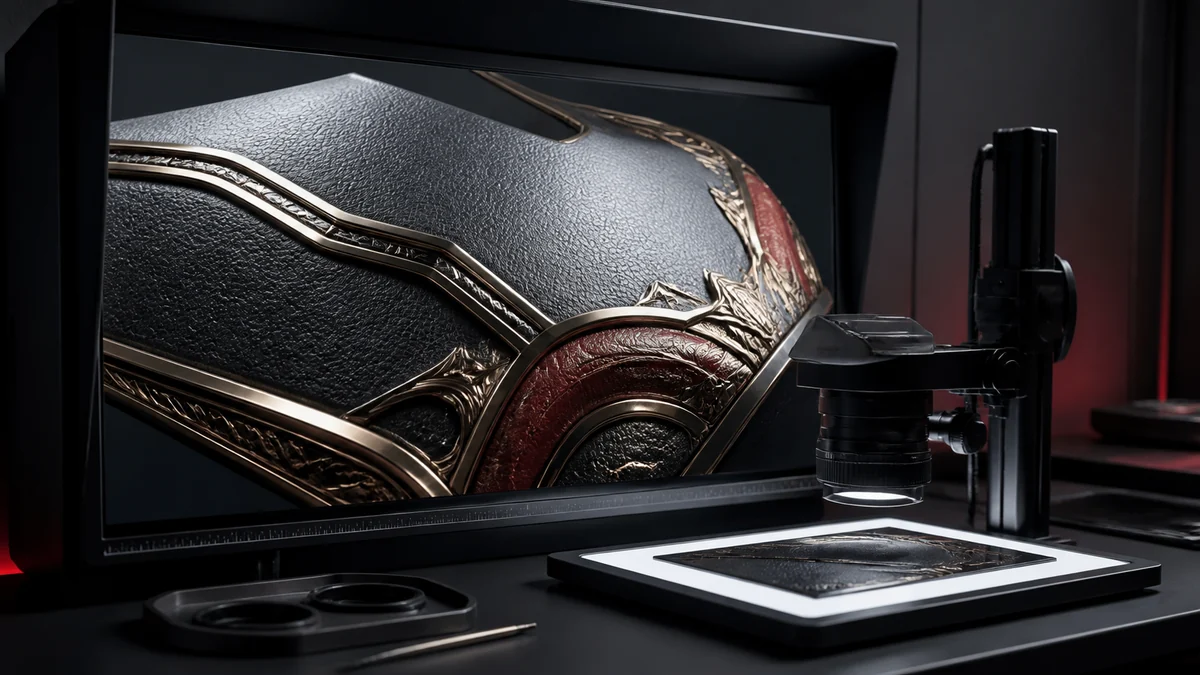
Anyone can export a DDS, but exporting a high quality DDS takes a little care. The difference shows up as crisp edges, smooth gradients, and textures that hold up when a player looks closely. Here is how to get PNG to DDS high-quality results every time.
Start with a good source
Compression can only preserve what you give it. Start from a clean PNG at the resolution you actually need, without JPEG artifacts baked in and without unnecessary upscaling. A sharp, correctly sized master is the single biggest factor in the final quality of your DDS.
Match the format to the texture
Choosing the right format is half the battle. Use DXT1 for opaque surfaces, DXT5 for soft transparency, and BC7 or uncompressed for hero assets that need pristine colour. Sending a subtle gradient through DXT1 will show banding, while the same image in BC7 stays smooth.
Use mipmaps for distance
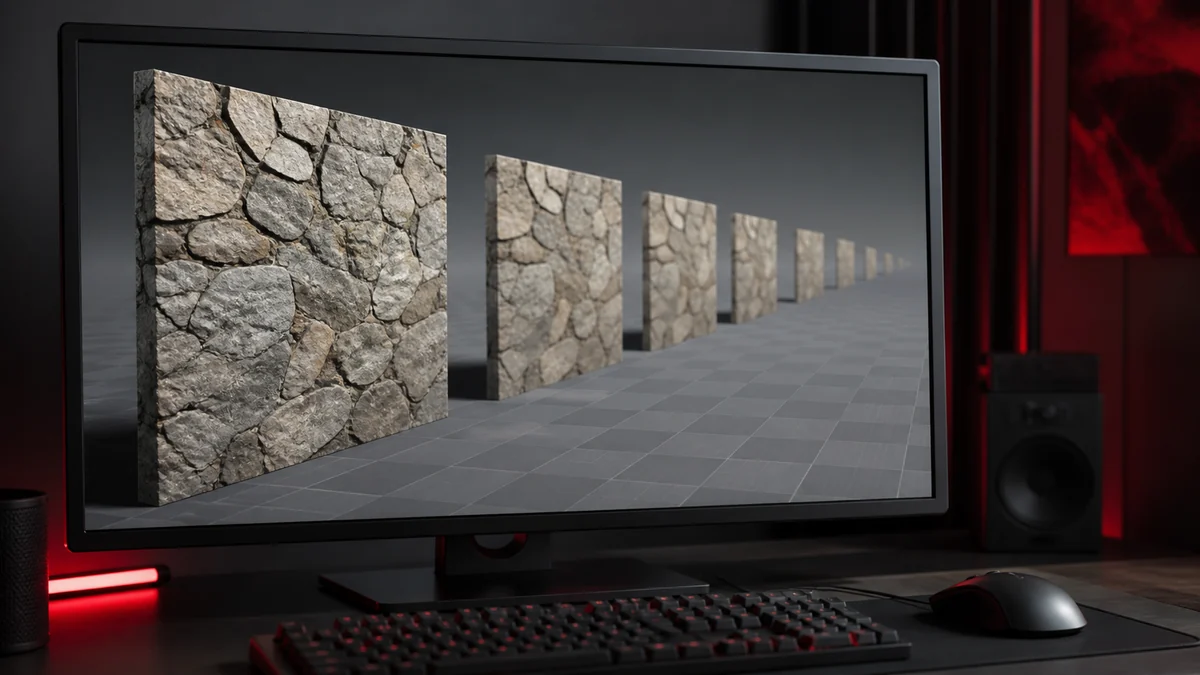
High quality is not only about the close up. Mipmaps keep textures clean when they are far away by letting the GPU sample smaller, pre filtered copies. Without them, distant surfaces shimmer and sparkle as the camera moves. If your engine uses mipmaps, generate them. Learn more in our mipmap guide.
Reduce compression artifacts
Block compression can introduce blocky patches on smooth gradients and colour banding on subtle transitions. To reduce them, prefer higher quality formats for gradient heavy images, avoid stacking compression by always working from a PNG master, and keep important detail away from the very edges of 4 by 4 block boundaries where possible. Our article on fixing colour banding goes deeper.
A quick quality checklist
- Source is a clean PNG at the correct resolution
- Dimensions are power of two when the engine expects it
- Format matches the texture type and alpha needs
- Mipmaps are enabled if the engine uses them
- Alpha edges look smooth on a checkerboard preview
- The file has been tested in the target engine
Tick every box and your DDS will look the way you intended, from a close up inspection to a distant horizon.
Frequently Asked Questions
Start from a sharp PNG at the right resolution, avoid upscaling, and pick a format that suits the image. Enable mipmaps so distant views stay clean rather than blurry or shimmering.
BC7 and uncompressed RGBA give the best quality. Use them for hero textures where detail matters more than file size.
They improve quality at a distance by preventing shimmering. Up close, the base level is what you see.