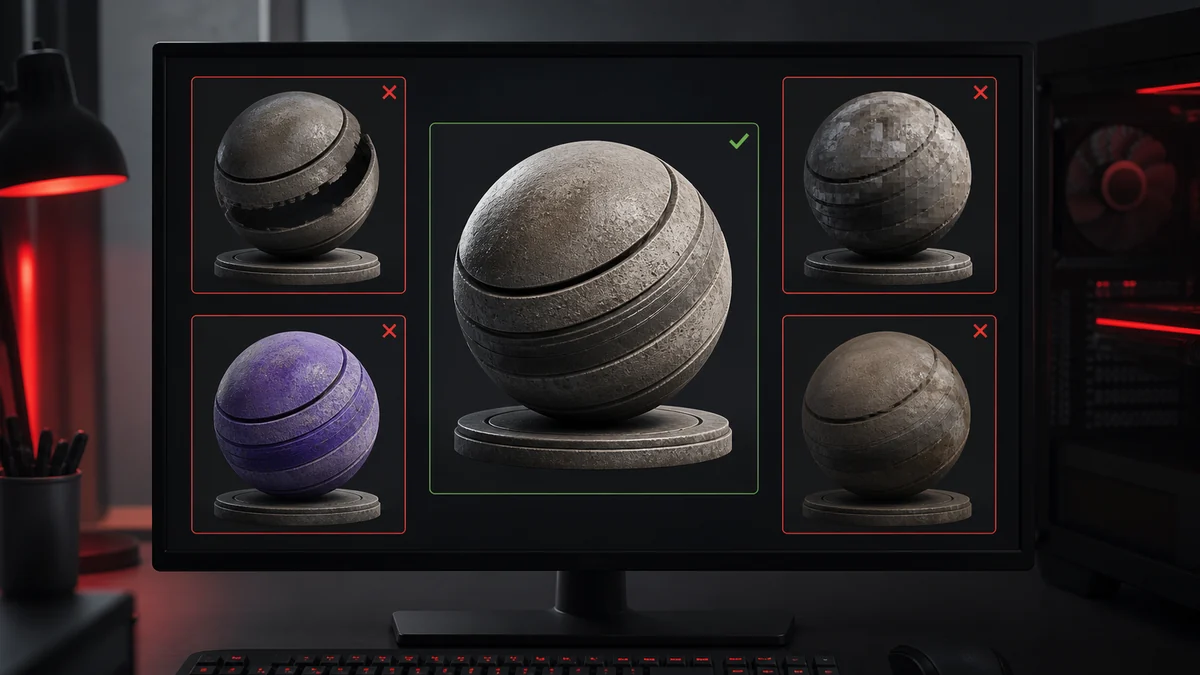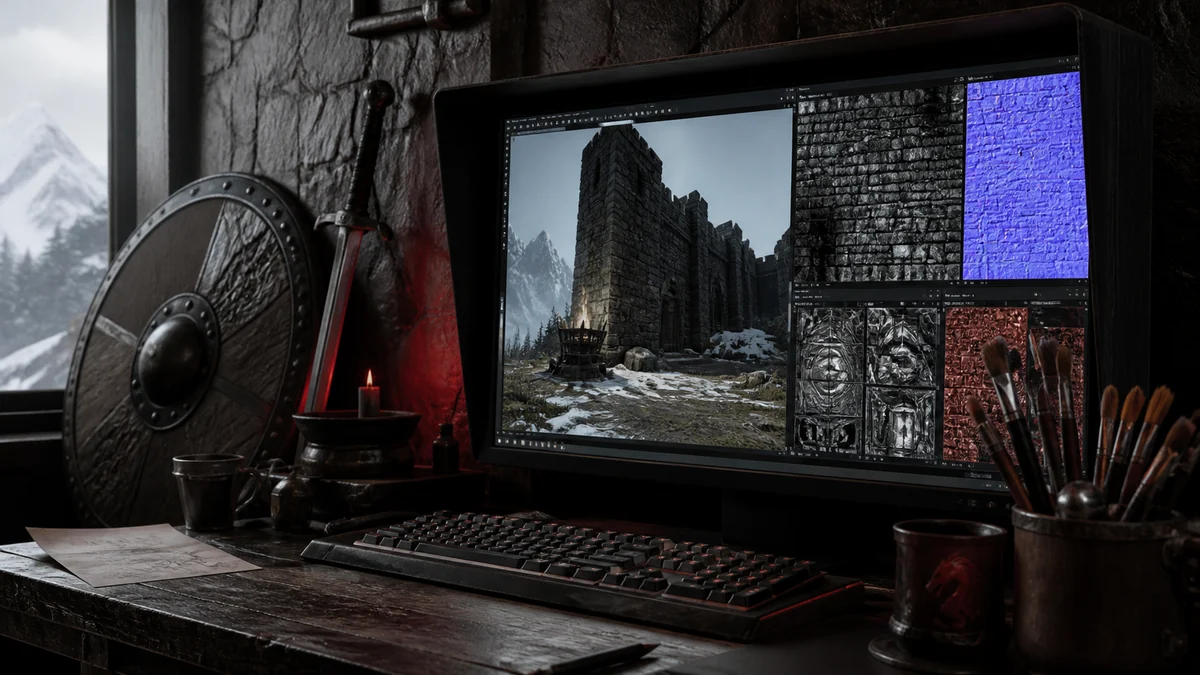
Bethesda games like Skyrim and Fallout are built on textures in the DDS format, which is why texture mods almost always ship as DDS files. If you want to replace or retexture something, you will be converting PNG to DDS constantly. This guide covers the essentials for modders.
Why mods use DDS
The game engine reads DDS directly, so a mod must supply textures in that format to be recognised. When you edit a texture in an image tool, you export it as a PNG while working, then convert it to DDS to drop into the game. Matching the original format and size keeps everything compatible.
Formats Bethesda games expect
As a rule of thumb, diffuse and albedo textures often use DXT1 when opaque or DXT5 when they carry alpha, while normal maps commonly use DXT5 or BC7. The safest approach is to check the format of the original file you are replacing and match it. When in doubt, DXT5 handles alpha reliably and BC7 offers higher quality for detailed maps.
| Texture | Common format |
|---|---|
| Diffuse, opaque | DXT1 |
| Diffuse with alpha | DXT5 |
| Normal map | DXT5 or BC7 |
| Specular or mask | DXT1 or DXT5 |
Sizes and mipmaps
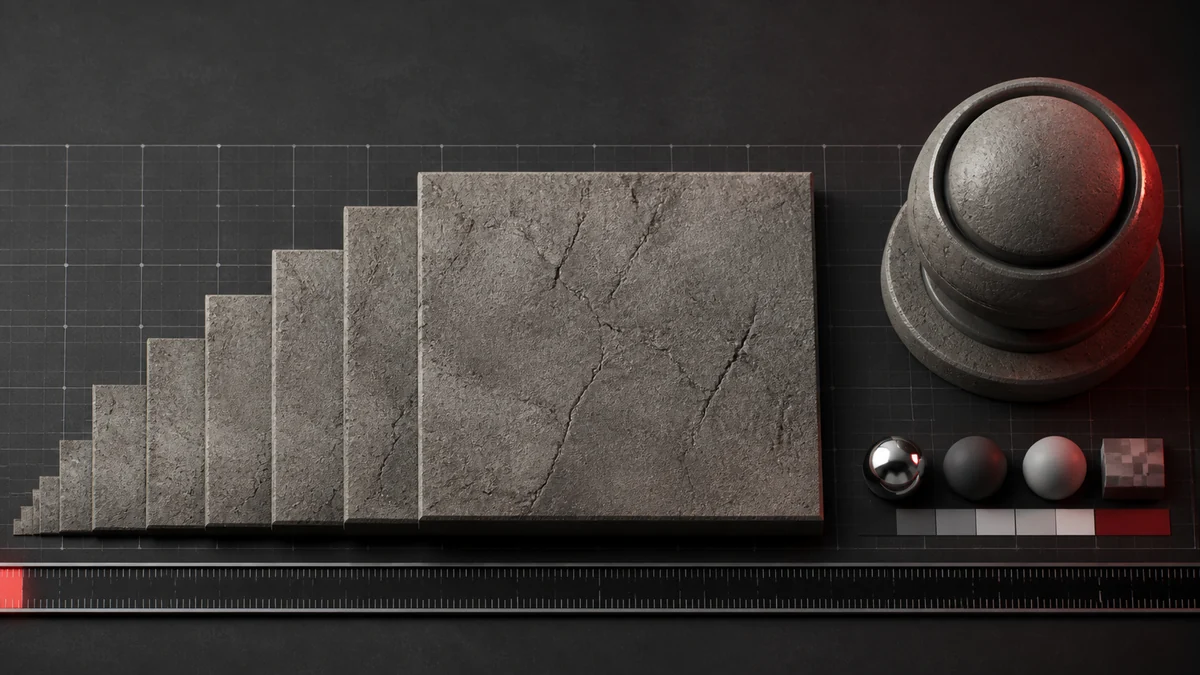
Stick to power of two dimensions such as 512, 1024, or 2048, and generate mipmaps, because the engine expects them and missing mips can cause flickering at a distance. Higher resolutions look sharper but cost memory, so balance quality against the load on players machines.
A simple modding workflow
- Extract or locate the original texture and note its format and size.
- Edit or repaint in your image tool and export a PNG master.
- Convert the PNG to DDS in the matching format, with mipmaps on.
- Place the DDS in the correct mod folder using the exact original name.
- Load the game and check the texture in context.
Modding tips
Keep your PNG masters organised so you can re export at different qualities later. Match file names precisely, since the game looks for specific paths. And test in daylight and at night, because lighting reveals problems a flat preview hides. Our converter lets you pick the exact format the original used, right in the browser.
Frequently Asked Questions
It varies by texture. Opaque diffuse maps often use DXT1, alpha textures use DXT5, and normal maps use DXT5 or BC7. Match the original file you are replacing.
Yes, generally. Bethesda engines expect mipmaps, and missing them can cause flickering on distant surfaces.
Use power of two sizes such as 1024 or 2048. Higher resolutions look sharper but use more memory.