When you convert a PNG to DDS, the first real decision is DXT1 or DXT5. Both are block compression formats, both are widely supported, and both will give you a smaller texture than a raw PNG. The difference comes down to how they handle transparency and how much space they use. This guide makes the choice simple.
The basics of block compression
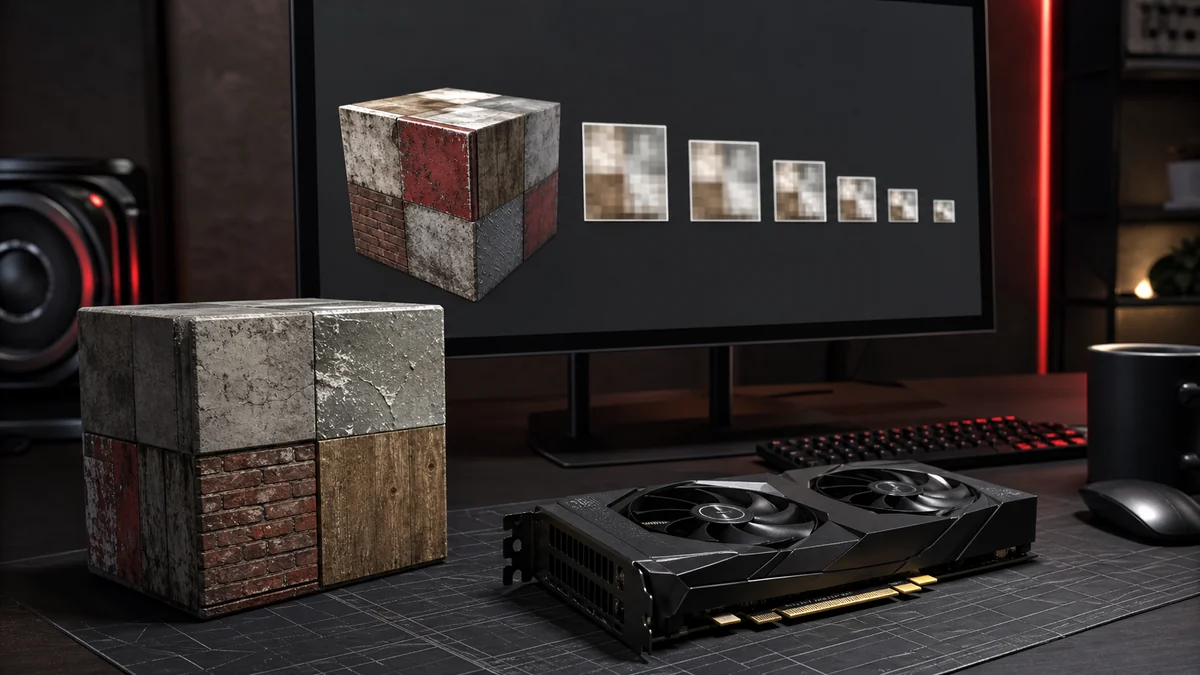
DXT1 and DXT5 are part of the S3TC family, also known as BC1 and BC3. They split an image into 4 by 4 pixel blocks and store each block with two colour endpoints plus a small index per pixel. The GPU reconstructs the block on the fly. That fixed structure is what gives DDS its predictable size and fast sampling.
DXT1 (BC1) in detail
DXT1 is the most compact option. Each 4 by 4 block takes just 8 bytes, which works out to roughly 4 bits per pixel. It stores colour beautifully for opaque images, and it offers a single bit of alpha, meaning a pixel is either fully visible or fully transparent. There is no in between.
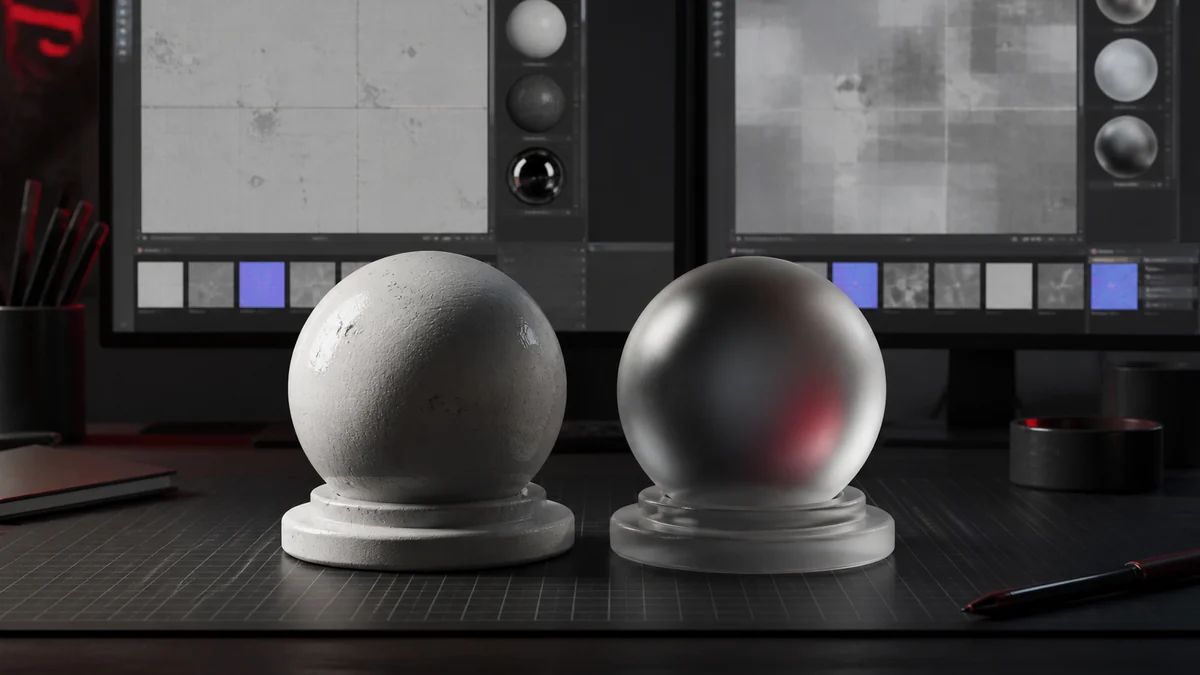
That makes PNG to DDS DXT1 ideal for solid textures like walls, floors, and terrain, or for cutouts with hard edges such as pixel art sprites. It is the wrong choice for anything with a soft shadow, glow, or feathered edge, because the single alpha bit will produce a jagged outline.
DXT5 (BC3) in detail
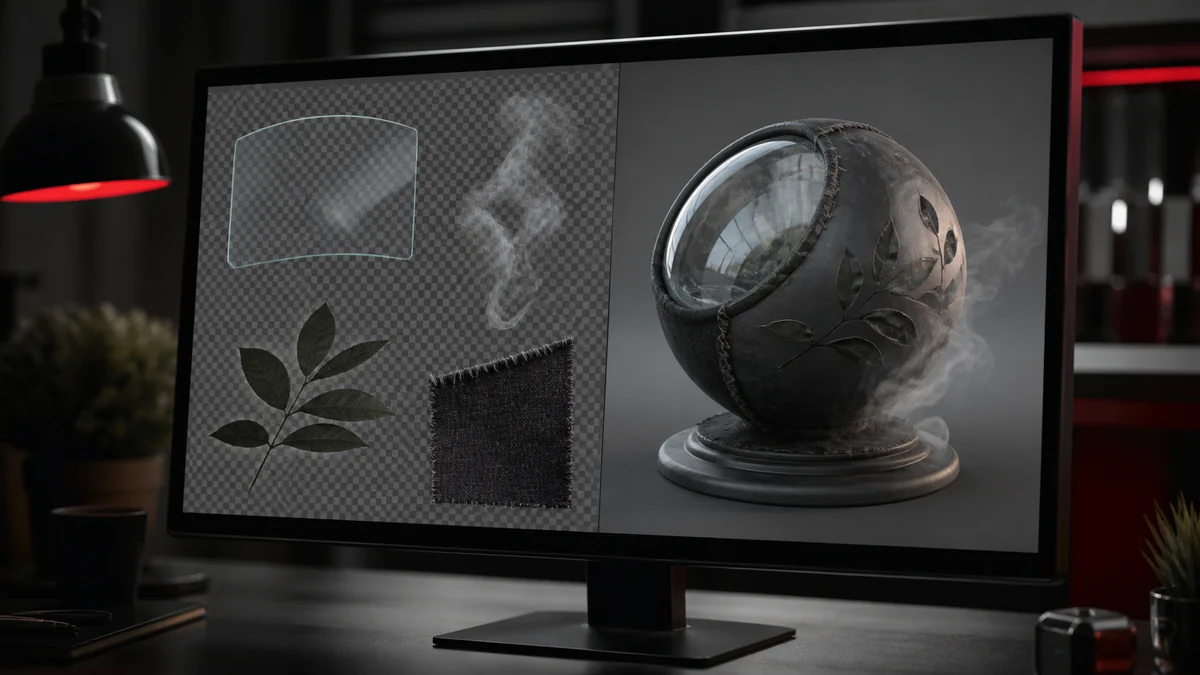
DXT5 doubles the block size to 16 bytes, about 8 bits per pixel, and spends that extra space on a proper alpha channel. Alpha is stored in its own block with eight interpolated levels, so soft transparency comes through smoothly. The colour data is compressed the same way as DXT1.
PNG to DDS DXT5 is the safe all rounder. Foliage, decals, UI elements, glass, particles, and anything with a gradient in the alpha channel all benefit from it. If you are not sure which to pick, DXT5 is rarely a mistake.
DXT1 vs DXT5 side by side
| Property | DXT1 (BC1) | DXT5 (BC3) |
|---|---|---|
| Bytes per 4x4 block | 8 | 16 |
| Approx bits per pixel | 4 | 8 |
| Alpha | 1 bit on or off | Full 8 bit smooth |
| File size | Smallest | Twice DXT1 |
| Best use | Opaque, hard cutouts | Soft transparency |
How to choose in practice
Ask one question: does the texture need soft transparency? If yes, use DXT5. If the image is fully opaque, or the transparency is a clean on or off mask, use DXT1 and enjoy the smaller file. For a hero texture where quality outranks size entirely, step up to BC7 instead. Whichever you pick, keep a PNG master and test in your engine.
Frequently Asked Questions
No. DXT5 is better for soft transparency, but it is twice the size. For opaque textures, DXT1 gives the same colour quality in half the space.
Only a single bit, meaning a pixel is fully visible or fully invisible. It works for hard edged cutouts but not for soft, feathered alpha.
If your interface art has soft edges or shadows, use DXT5. For crisp pixel art with hard edges, DXT1 is fine and smaller.